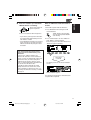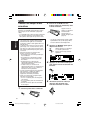
1
ENGLISH
OTHER MAIN FUNCTIONS
3
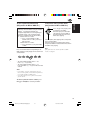
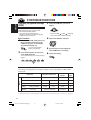
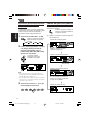
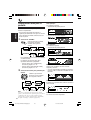
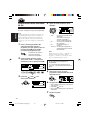
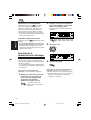
Changing the general settings
(PSM)
You can change the items listed on the table
below and on page 37 by using the PSM
(Preferred Setting Mode) control.
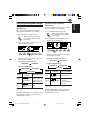
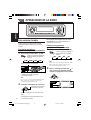
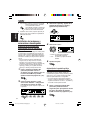
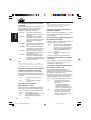
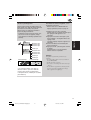
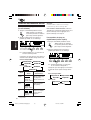
• The PSM items are grouped into six
categories—MOVIE, CLOCK, DISP (display),
TUNER, AUDIO, and COLOR.
• By pressing ¢
or 4
repeatedly,
you can also move to another category.
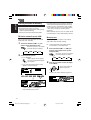
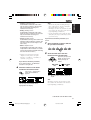
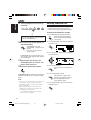
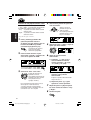
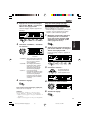
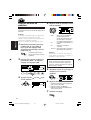
4
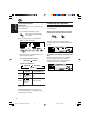
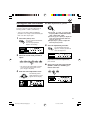
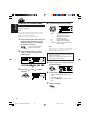
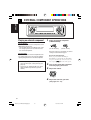
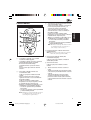
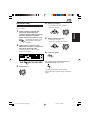
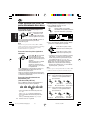
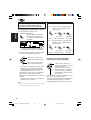
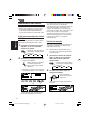
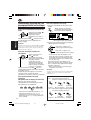
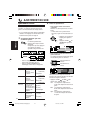
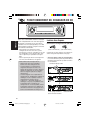
Basic Procedure
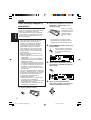
1
Adjust the PSM item selected.
Press and hold SEL (select) for more
than 2 seconds so that one of the
PSM items appears on the display.
(See below and page 37.)
The next-step-operation
buttons start flashing.
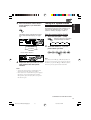
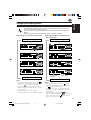
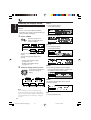
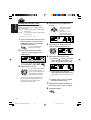
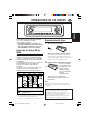
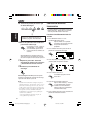
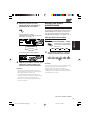
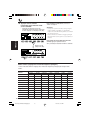
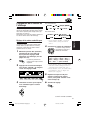
2
Select the PSM item you want to
adjust.
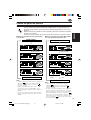
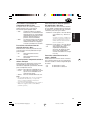
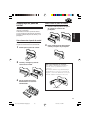
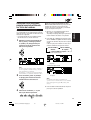
5
Press number button to select one
of the PSM categories.
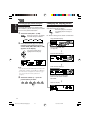
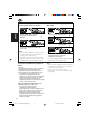
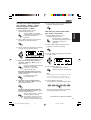
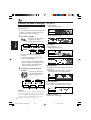
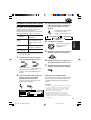
6
Repeat steps 2 to 4 to adjust the
other PSM items if necessary.
Finish the setting.
The first-listed item in the selected category
appears.
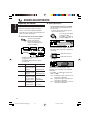
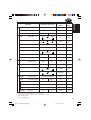
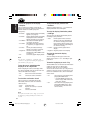
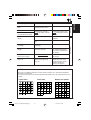
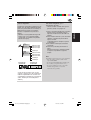
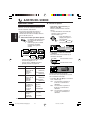
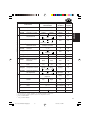
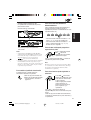
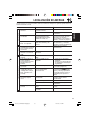
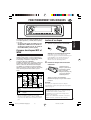
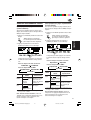
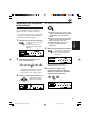
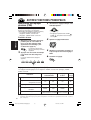
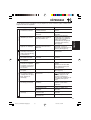
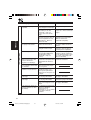
Preferred Setting Mode (PSM) items
The PSM items are grouped into six categories—MOVIE, CLOCK, DISP (display), TUNER, AUDIO,
and COLOR.
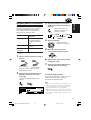
MOVIE
Indications
Selectable values/items
Factory-preset
settings
See
page
See page 38 for details
All Demo
8, 17, 38
On
38
Graphics
Movie demonstration
KeyIn CFM
Key-in confirmation
On
Opening*1
Opening animation
Default
User
Default
34
Ending*1
Ending animation
Default
User
Default
34
UserPict.*2
User Picture
First stored
35
Off
From the stored files
*1 Displayed only after a downloadable file is stored in memory.
*2 Displayed only after a downloadable file is stored in memory and while selecting “UserPict.” for “Graphics.”
36
EN36-45_KD-AR3000LH300[J]f.p65
36
20/11/03, 4:13 PM