1
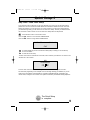
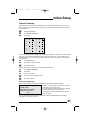
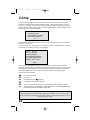
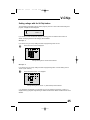
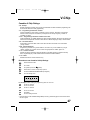
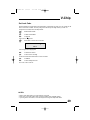
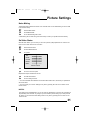
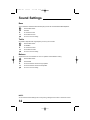
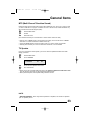
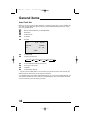
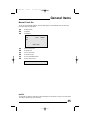
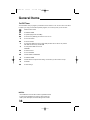
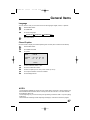
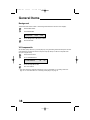
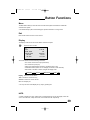
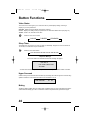
FD mini-IB 1/16/01 3:33 PM Page 21 Initial Setup Channel Summary Channel Summary allows you to customize the line-up of channels received by your TV. You can add or delete channels from the line-up or prevent any unauthorized viewers from watching any or all 181 channels. Press the MENU button ❷ To CHANNEL SUMMARY ➛❿ To operate CH ADD 01 02 X 03 : CH : 06 : 07 : 08 04 X : 09 05 X : 10 ADD X X The Channel Summary screen (below) will now be displayed with the channels set to scan marked with an "X". You can delete channels from the scan by removing the "X". If any channels were missed during Auto Tuner Setup and you wish to add them, you may by placing an "X" next to the channel number. ❷ To the ADD column ➛❿ To include or delete from scan EXIT when finished You can block access to a channel by activating the Channel Lock. ❷ ➛❿ ❷ To CHANNEL SUMMARY To operate To the Lock Column ZERO to lock or unlock that channel EXIT when finished Channel Guard Message When a viewer attempts to watch a guarded channel, the following message appears: THIS CHANNEL IS LOCKED BY CHANNEL GUARD. PLEASE ENTER LOCK CODE BY 10 KEY PAD TO UNLOCK IT. NO. - - - - To watch a channel that you have locked, enter the Lock Code using the 10 key pad. If the wrong code is entered, the message “INVALID LOCK CODE!” will flash on the screen: The channel cannot be accessed until the correct code is entered. • Once a channel has been unlocked, it will remain unlocked until the television is turned off. • See also “Set Lock Code”, page 29. 21