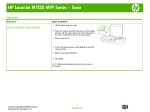
Manually print on both sides (duplex) with Windows
1.
Load paper face-up in the input tray.
2.
On the File menu in the software program,
click Print.
3.
Select the product, and then click the
Properties or Preferences button.
4
Quick Reference Guide
ENWW