3
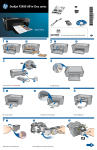
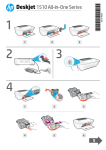
Press
On button.
!
4
Use buttons to select and confirm your
language on the printer display. Then
select and confirm your region.
5
Make sure door is closed and tray is open.
Door closed
2 • HP DESKJET 3050 ALL-IN-ONE J610 SERIES
Tray open