4
4
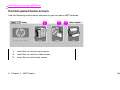
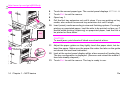
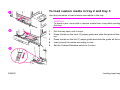
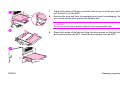
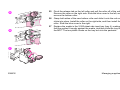
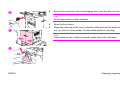
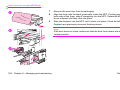
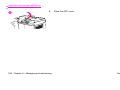
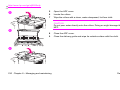
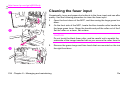
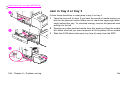
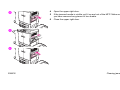
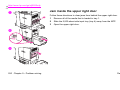
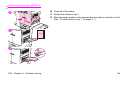
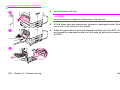
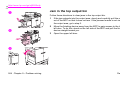
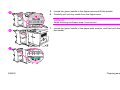
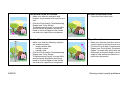
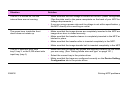
Open the upper right door.
5
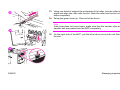
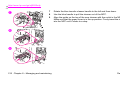
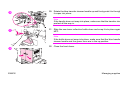
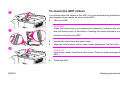
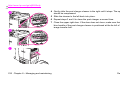
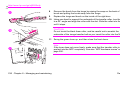
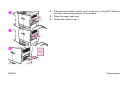
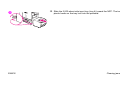
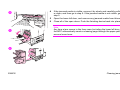
If the jammed media is visible, pull it up and out of the MFP. Make sure that
you have removed any pieces of torn media.
6
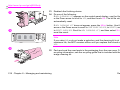
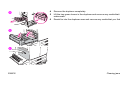
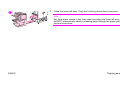
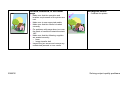
Close the upper right door.
9
5
6
ENWW
Clearing jams 245