1
SECTION 1
SYSTEM OVERVIEW
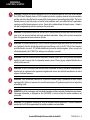
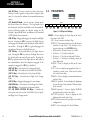
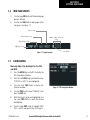
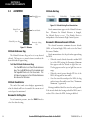
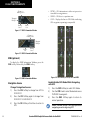
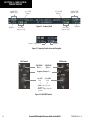
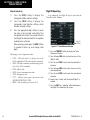
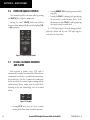
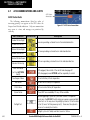
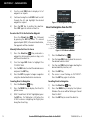
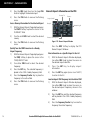
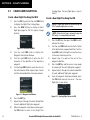
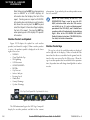
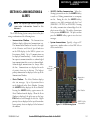
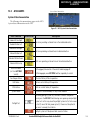
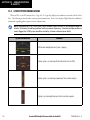
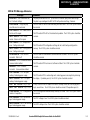
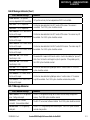
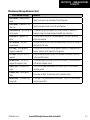
VFR – Press to automatically squawk 1200 (only
in the U.S.A., refer to ICAO standards for VFR
codes in other countries).
CODE – Press to display transponder code selection
softkeys 0-7.
0 through 7 – Press numbers to enter code.
IDENT – Press to provide special aircraft
position identification to Air Traffic Control
(ATC).
BKSP – Press to remove numbers entered one
at a time.
BACK – Press to return to the previous level
softkeys.
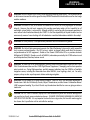
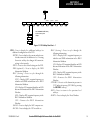
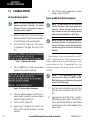
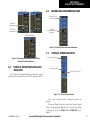
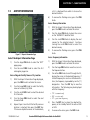
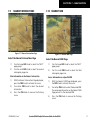
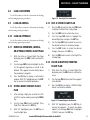
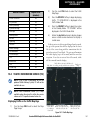
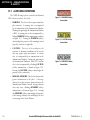
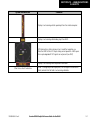
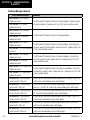
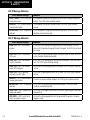
IDENT – Press to provide special aircraft position
identification to Air Traffic Control (ATC).
BACK – Press to return to the previous level
softkeys.
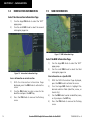
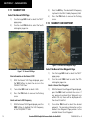
IDENT – Press to provide special aircraft position
identification to Air Traffic Control (ATC).
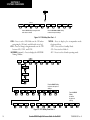
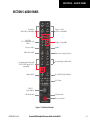
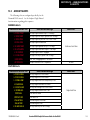
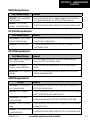
TMR/REF – Press to display the Timer/References
Window.
NRST – Press to display the Nearest Airports
Window.
ALERTS – Press to display the Alerts Window.
190-00406-05 Rev. B
1.3
MFD SOFTKEYS
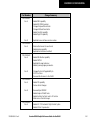
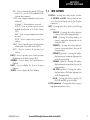
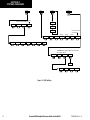
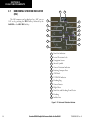
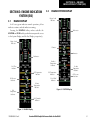
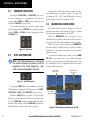
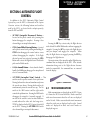
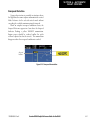
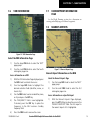
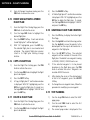
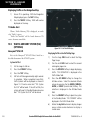
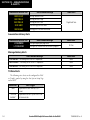
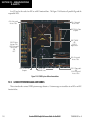
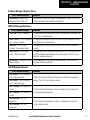
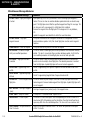
ENGINE – Pressing this softkey makes available
the SYSTEM and FUEL Softkeys which in turn
access the System Display and the Fuel Display,
respectively.
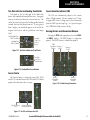
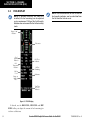
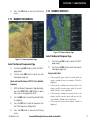
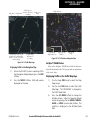
MAP – Pressing this softkey enables the following
softkeys:
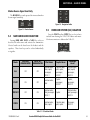
TRAFFIC – Pressing this softkey displays/
removes Traffic on the Navigation Map.
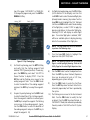
TOPO – Pressing this softkey displays or
removes topographic information on the
Navigation Map.
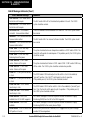
TERRAIN – Pressing this softkey displays/
removes terrain and obstacle data on the
Navigation Map.
STRMSCP (optional) – Pressing this softkey
displays/removes Stormscope lightning data
on the Navigation Map.
NEXRAD (optional) – Pressing this softkey
displays/removes precipitation data on the
Navigation Map.
XM LTNG (optional) – Pressing this softkey
displays/removes XM Radio lightning data
on the Navigation Map.
BACK – Pressing this softkey displays the
ENGINE and MAP top level softkeys.
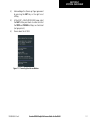
DCLTR (declutter) – Pressing this softkey removes
map information in three levels.
Garmin G1000 Cockpit Reference Guide for the DA42
1-7