1
SECTION 1
SYSTEM OVERVIEW
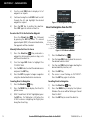
3)
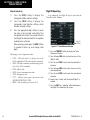
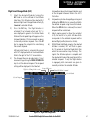
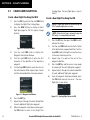
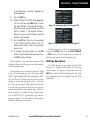
Acknowledge the Power-up Page agreement
by pressing the ENT Key or the right most
softkey.
4)
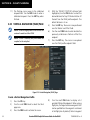
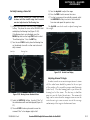
At the MAP – NAVIGATION MAP page, select
the MAP Softkey and check to make sure that
the TOPO and TERRAIN softkeys are functional
(not grayed out).
5)
Power down the G1000.
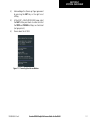
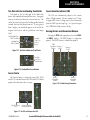
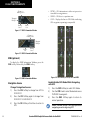
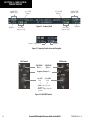
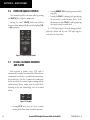
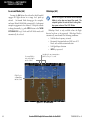
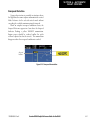
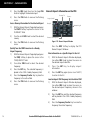
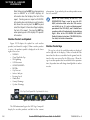
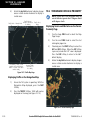
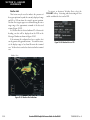
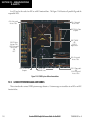
Figure 1-11 Power-Up Splash Screen Window
190-00406-05 Rev. B
Garmin G1000 Cockpit Reference Guide for the DA42
1-11