1
COPYRIGHT © 2006 MERIT ENTERTAINMENT
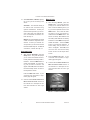
My Merit
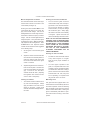
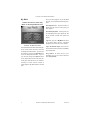
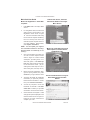
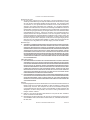
To Enter This Screen, Touch “My
Merit” on the Player Menu Screen.
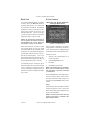
Once you have logged in to your My Merit
account, you can perform the following functions:
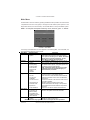
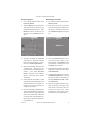
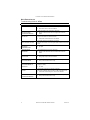
View High Scores: Touch this button to
display the high score for each game you
have played.
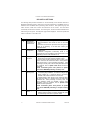
View Gameplay Data: Touching this button will display each game played as well
as the number of times each game was
played.
FIGURE 8 - MY MERIT OPTIONS
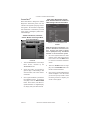
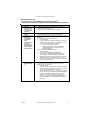
The My Merit feature allows individual players to create custom accounts, which are
accessible via PIN numbers. Accounts can
be created by touching the My Merit button on the Player Menu Screen. Log in to
your account through the Options button
on the Player Menu screen and have personal game data stored on the machine,
including hi scores and the number of
games played in My Merit mode for the last
year.
11
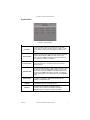
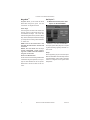
Log Out: Sign out of My Merit and return
to the Player Menu Screen. Individual
gameplay and scores will not be tracked.
Log In As Another Player: End your session and allow another player to immediately
sign into My Merit.
Play Games: To keep track of your
gameplay, log in to your account and then
touch Play Games.
MEGATOUCH GAMETIME OWNER’S MANUAL
PM0503-08