1
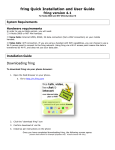
A screen with the following form opens:
Figure 2 - fring Download from the Web
1. In the Handset type field, select the type of mobile handset that you
have.
2. In the Your country field, select your
country.
Your phone isn't
supported?
3. In the Mobile number field, type in the
phone number of your handset.
Sign up to be notified
when it is!
Note: Enter your area code and phone
number without any spaces. Type it
carefully - your international number is
your fring user-id.
4. In the Email address field, type in your
email address.
5. Click join!
The confirmation screen opens and an SMS
is sent to your handset.
Once you have received the SMS, the installation
and setup process continues on your handset.
Page 4