1
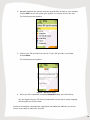
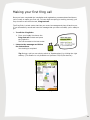
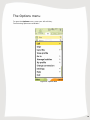
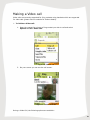
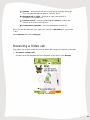
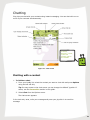
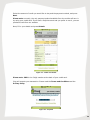
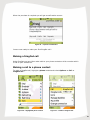
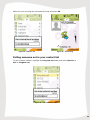
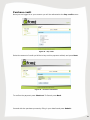
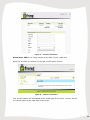
Making a Video call Video calls are currently supported for fring contacts using handsets which are supported for video calls (please visit our website for further details). To initiate a Video call: 1. Open the contact list, choose a fring contact you wish to call and select Options > Call > Video call. Figure 16 – Initiate call 2. On your screen you can see the call screen. Figure 17 – Video Call screen During a Video Call, the following options are available: 21