1
Icons and captions
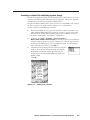
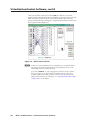
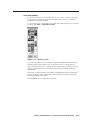
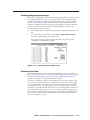
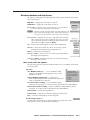
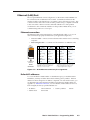
For your convenience, you can assign a device icon, a name, or both to any of the
virtual inputs or outputs using the devices palette. The icons are saved by the
program, not sent to the switcher.
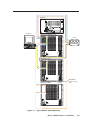
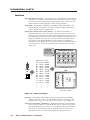
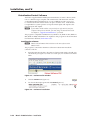
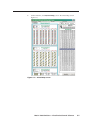
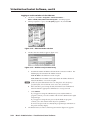
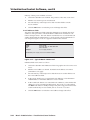
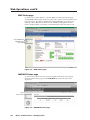
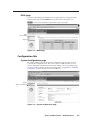
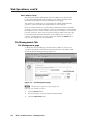
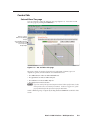
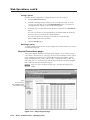
Figure 3-11 — Devices screen
To assign a descriptive icon to an input or output, drag and drop the desired icon
from the palette to the target I/O box on the main screen. To change the icon,
drag and drop the new icon. To delete an icon, drag and drop a blank space to the
I/O box on the main screen. The changes to the main screen display take place
immediately.
Each input or output selected also includes a field that displays the current name
(if any) and gives you the opportunity to edit the name. Press the Tab key after
entering or editing an I/O name.
Click the OK button to exit the devices palette.
Matrix 12800 Switchers • Virtualization/Control Software
3-17
PRELIMINARY
To access the Devices screen (figure 3-11), right-click the desired I/O port or on the
menu bar click Tools > Assign Device Icons.