1
Graphics
Individual graphics commands
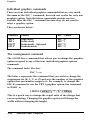
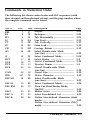
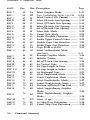
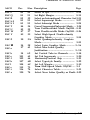
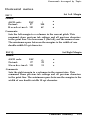
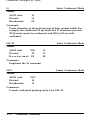
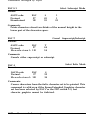
There are four individual graphics commands that are very much
the same as the ESC * command, but each one works for only one
graphics option. Note that these commands contain one less
variable than the ESC * command because they do not need to
select a graphics option.
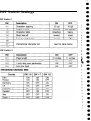
They are shown below:
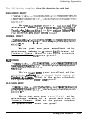
Command
Function
ESC * Format
ESC K
ESC L
ESC Y
ESC Z
Single-density
Double-density
Double-density, high-speed
Quadruple-density
ESC * 0
ESC * 1
ESC * 2
ESC * 3
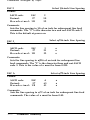
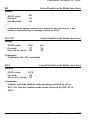
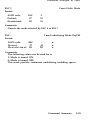
The reassignment command
The LX-810 has a command that allows you to change the graphics
option assigned to any of the four individual graphics options
commands.
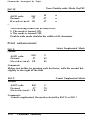
The command looks like this:
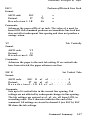
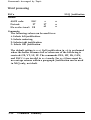
ESC ? s m
The letter s represents the command that you wish to change the
assignment for (K, L, Y, or Z) and m is the number of the graphics
option that you want to assign to it. For example, to change the
ESC K command to use the CRT I graphics option, the command
in BASIC is;
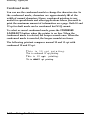
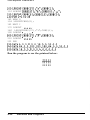
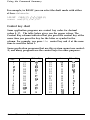
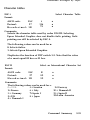
LPRINT CHR$(27);“?“;“K”;CHR$(4)
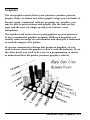
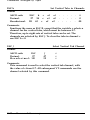
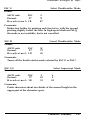
This is a quick way to change the aspect ratio of the design that
you are printing. Changing the graphics option will change the
width without changing the height.
4-20
Software and Graphics