1
1-14 | Connecting Your Printer and Installing Drivers
Accessing the printer through a network
To access the printer from another computer on your network, follow these
steps.
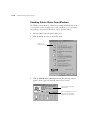
1. On the computer from which you want to access the printer, click Start,
point to Settings, and click Printers.
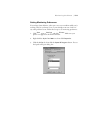
2. Double-click the Add Printer icon. You see the Add Printer Wizard.
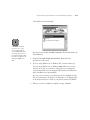
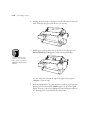
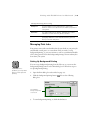
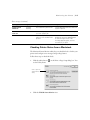
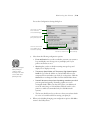
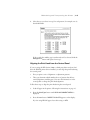
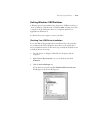
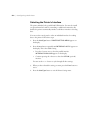
3. Click Next. You see a window like the following:
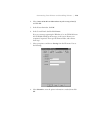
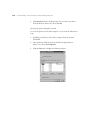
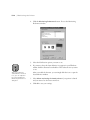
4. Click Network printer, then click Next.
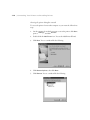
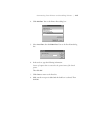
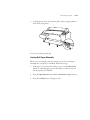
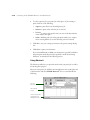
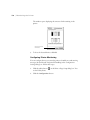
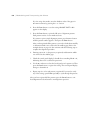
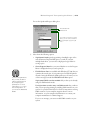
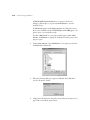
5. Click Browse. You see a window like the following:
1-14