1
Copying a Photo
You can copy photos onto 4 × 6-inch Epson photo paper (various types available)
for borderless photo reprints.
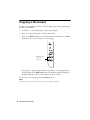
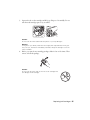
1. Load up to 20 sheets of 4 × 6-inch Epson photo paper.
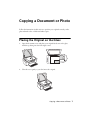
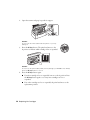
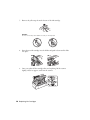
2. Place your original photo on the document table.
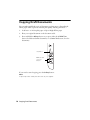
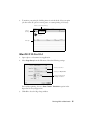
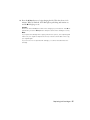
3. Press the x Color Photo button to start copying. The NX100 Series
automatically sizes your photo to fit on the paper you loaded.
Color photo
button
If you need to cancel copying, press the y Stop button.
Note:
Copies may not be exactly the same size as your original photo, and cropping may
occur at the edges.
Copying a Photo 9