1
c
Caution:
Always tear off your printed document before you press the
Load/Eject button. Reverse feeding several pages at a time may
cause a paper jam.
Switching back to single sheets
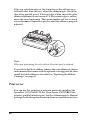
To switch to single sheets, press the Load/Eject button; the printer
feeds the paper backwards into the standby position. Then, follow
the steps in “Loading single sheets” on page 40.
c
Caution:
Always tear off your printed document before you press the
Load/Eject button. Reverse feeding several pages at a time may
cause a paper jam.
Printing with the pull tractor
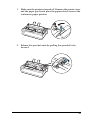
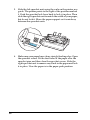
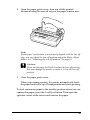
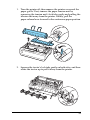
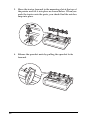
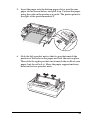
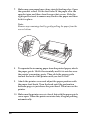
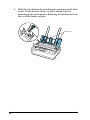
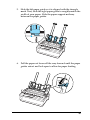
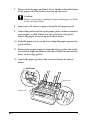
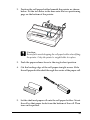
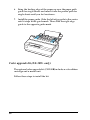
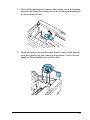
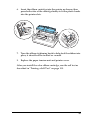
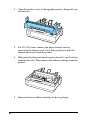
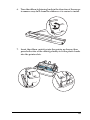
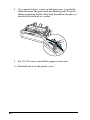
To load continuous paper using the pull tractor, you must move
the tractor to the pull tractor position, as described in steps 1
through 3 in this procedure. If your tractor is already installed in
this position, make sure the printer is turned off and skip to step 6.
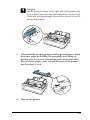
c
Caution:
Use the paper-feed knob on the right side of the printer only to
clear paper jams and only when the printer is off. Otherwise, you
may damage the printer or cause it to lose the top-of-form position.
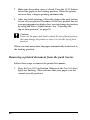
❏ When using the pull tractor, set the Auto tear off feature in
the Default Setting mode to Off; otherwise, the paper may
jam.
30