1
Installing the Pen Batteries
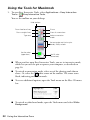
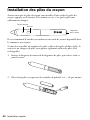
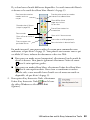
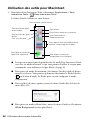
Make sure the pen batteries are installed. To check the batteries, press the button.
If the indicator light is green, the batteries have enough power.
Battery indicator
light
Button
Cord
attachment
slot
It’s a good idea to attach a commercially-available cord or lanyard to the pens.
If you need to install or replace the batteries, use two alkaline AAA batteries. If you
have a battery charger, you can also use rechargeable AAA batteries.
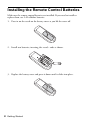
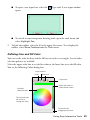
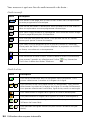
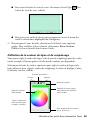
1. Press in the tab on the battery cover as you lift the cover off.
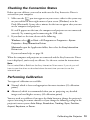
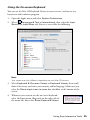
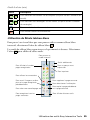
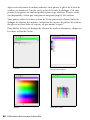
2. Install two batteries, inserting the + and – ends as shown.
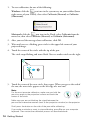
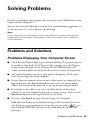
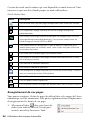
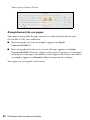
3. Replace the battery cover and press it down until it clicks into place.
Installing the Pen Batteries 7