1
A794 Owner’s Guide
Chapter 6: Programming Information
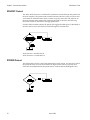
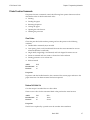
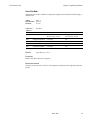
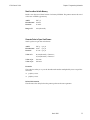
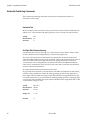
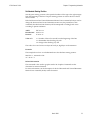
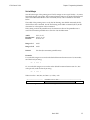
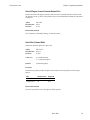
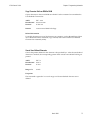
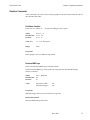
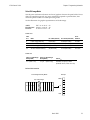
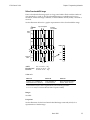
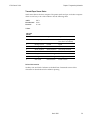
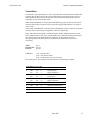
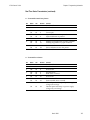
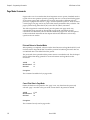
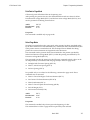
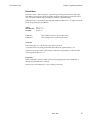
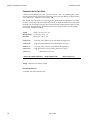
Switch to Flash Download Mode
Puts the printer in flash download mode in preparation to receive commands
controlling the downloading of objects into flash memory. When this command is
received, the printer leaves normal operation and can no longer print transactions until
the Reboot the Printer command (1D FF) is received or the printer is rebooted.
This command does not affect the current communication parameters. Once the printer
is in flash download mode, this command is no longer available.
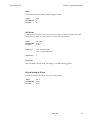
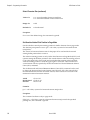
ASCII
Hexadecimal
Decimal
ESC [ }
1B 5B 7D
27 91 125
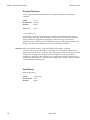
Related Information
See Entering Flash Download Mode elsewhere in this book to put the printer in flash
download mode using the Configuration Menu.
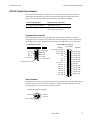
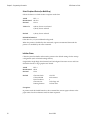
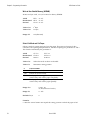
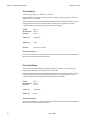
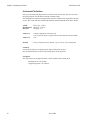
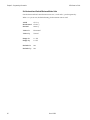
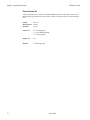
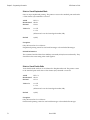
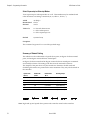
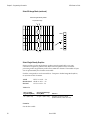
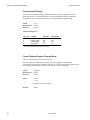
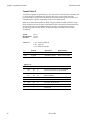
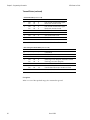
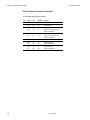
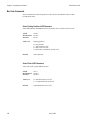
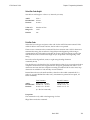
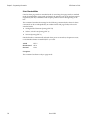
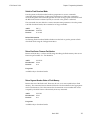
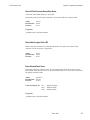
Return Boot Sector Firmware Part Number
Returns ACK (06 hex) + 12 bytes ASCII string describing the Flash memory Boot sector
Firmware part number. Ex : 189-1234567A
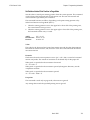
ASCII
Hexadecimal
Decimal
GS NULL
1D 00
29 0
Exceptions
Available only in download mode.
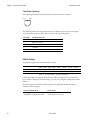
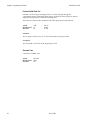
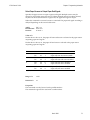
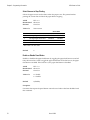
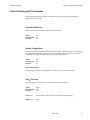
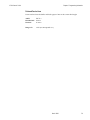
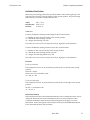
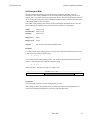
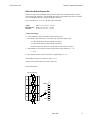
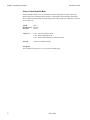
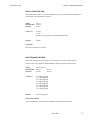
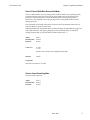
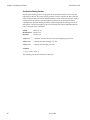
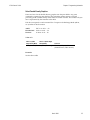
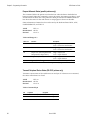
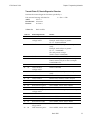
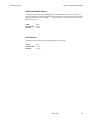
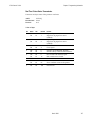
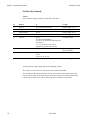
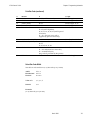
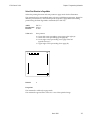
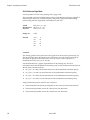
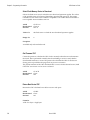
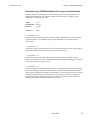
Return Segment Number Status of Flash Memory
Returns the size of the flash used. There may be 4, 8, or 16 sectors (64K each) in flash
memory. This command assures that the firmware to be downloaded is the appropriate
size for flash memory. The value returned is the maximum sector number that can be
accepted by the Select Sector to Download (1D 02 nn) command.
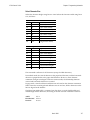
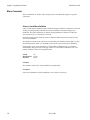
ASCII
Hexadecimal
Decimal
GS SOH
1D 01
29 1
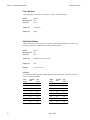
Exceptions
Available only in download mode.
March 1999
123