1
22
Operating the Oven
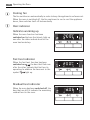
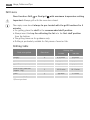
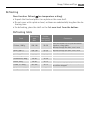
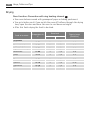
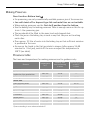
Cook time
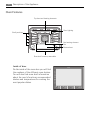
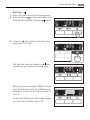
1. Select the oven function and temperature.
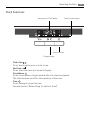
2. Press the Select
button repeatedly until
the function indicator Cook time
flashes.
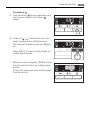
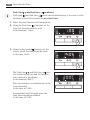
3. Using the / control knob set the desired cooking time.
The Cook time function indicator
lights
up and the oven comes on immediately.
When the time has elapsed, “00.00” and the
function indicator flash. An audible signal
sounds for 2 minutes. The oven switches itself off.
To stop the flashing and the audible signal:
Turn the oven functions dial to “0”.