1
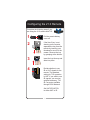
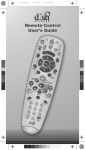
Configuring the 21.0 Remote
Complete the following steps if you
are using the 21.0 remote with TV2.
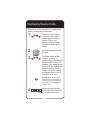
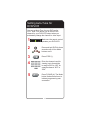
1
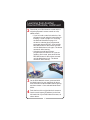
Pull the remote battery
cover off.
2
If the blue 2 key is not
showing on the remote,
separate the key from the
remote by inserting your
thumbnail or a coin in the
crease. Remove the key
by grasping at the bottom.
3
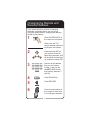
Insert the key face up and
slide into place.
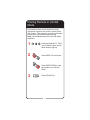
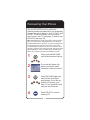
4
Decide whether to use
IR or UHF signals for the
remote. The standard
setting for TV2 operation
is UHF. If you wish to use
IR signals, you need an
optional accessory, TV2
IR Converter, available
through DISH Network.
Set UHF/IR SWITCH
to either UHF or IR.
2