1
2
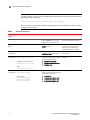
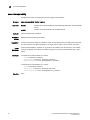
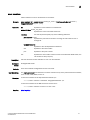
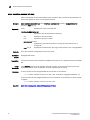
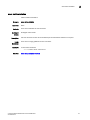
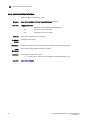
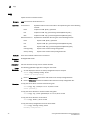
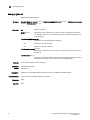
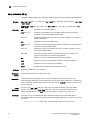
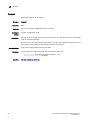
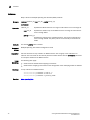
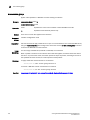
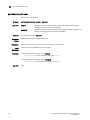
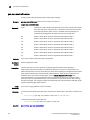
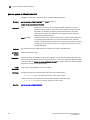
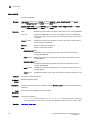
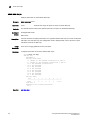
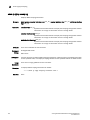
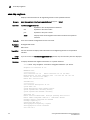
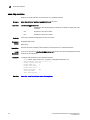
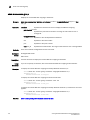
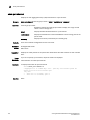
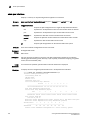
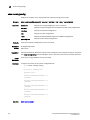
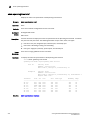
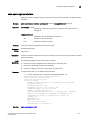
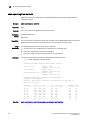
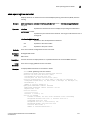
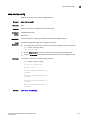
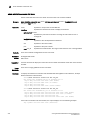
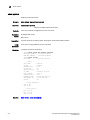
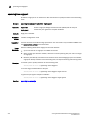
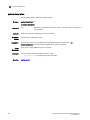
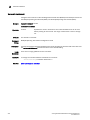
rmon alarm
rmon alarm
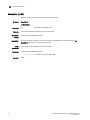
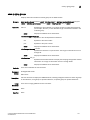
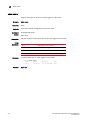
Sets alarm conditions.
Synopsis
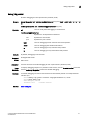
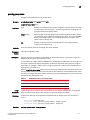
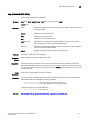
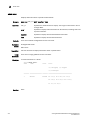
rmon alarm index snmp_oid interval seconds {absolute | delta} rising-threshold value event
number falling-threshold value event number owner name
no rmon alarm index snmp_oid interval seconds {absolute | delta} rising-threshold value event
number [falling-threshold value event number owner name
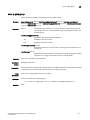
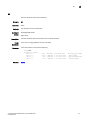
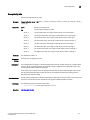
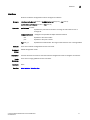
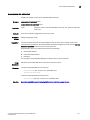
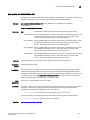
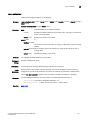
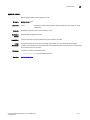
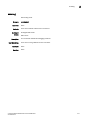
Operands
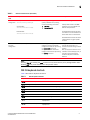
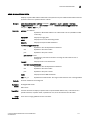
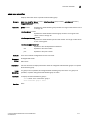
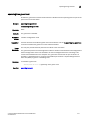
index
Specifies the alarm index. The range of valid values is from 1 through 65535.
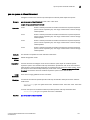
snmp_oid
Specifies the MIB object to monitor. The variable must be in the SNMP OID
format, for example, 1.3.6.1.2.1.16.1.1.1.5.65535. The object type must be a
counter32.
interval seconds
Specifies the alarm sample interval in seconds. The range of valid values is
from 1 through 2147483648.
absolute
Sets the sample type as absolute.
delta
Sets the sample type as delta.
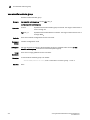
rising-threshold value
Specifies the alarm rising threshold. The range of valid values is from 0
through 4294967295.
event number
Specifies the event for the rising alarm. The range of valid values is from 1
through 65535.
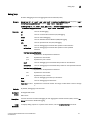
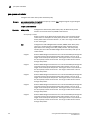
falling-threshold value
Specifies the alarm falling threshold. The range of valid values is from 0
through 4294967295.
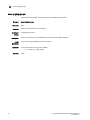
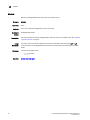
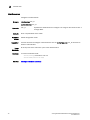
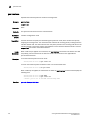
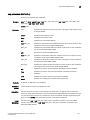
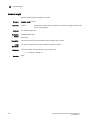
Defaults
Command
Modes
Description
Usage
Guidelines
Examples
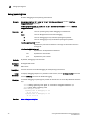
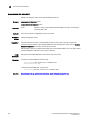
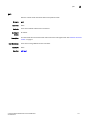
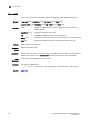
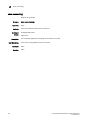
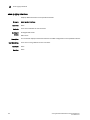
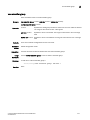
event number
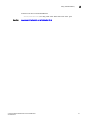
Specifies the event for the falling alarm. The range of valid values is from 1
through 65535.
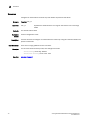
owner name
Specifies the identity of the owner. The maximum number of characters is 32.
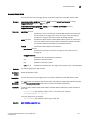
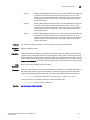
There are no alarms configured.
Global configuration mode
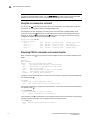
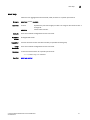
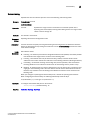
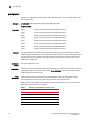
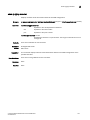
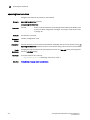
Use this command to set alarm conditions. Use the no rmon alarm command to disable the alarm
conditions.
There are no usage guidelines for this command.
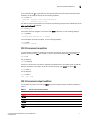
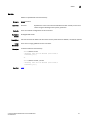
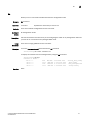
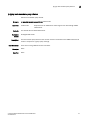
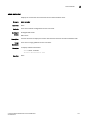
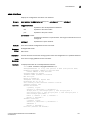
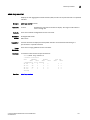
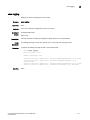
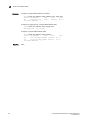
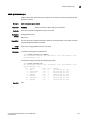
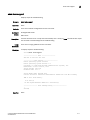
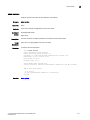
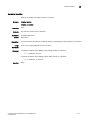
To set alarm conditions:
switch(config)#rmon alarm 100 1.3.6.1.2.1.16.1.1.1.5.65535 interval 5 absolute
rising-threshold 10000 event 100 falling-threshold 1000 event 101 owner admin
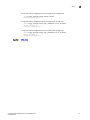
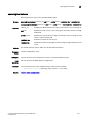
See Also
136
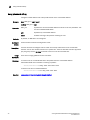
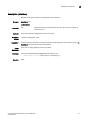
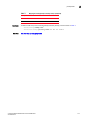
rmon event, show rmon
Converged Enhanced Ethernet Command Reference
53-1002164-01