1
2
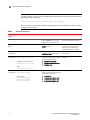
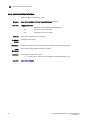
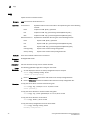
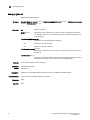
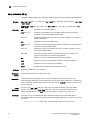
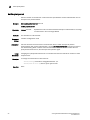
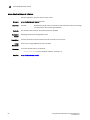
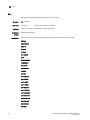
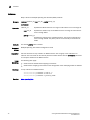
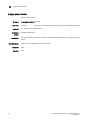
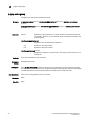
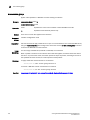
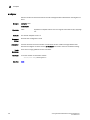
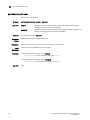
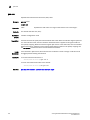
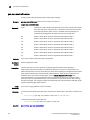
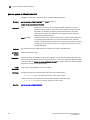
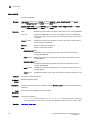
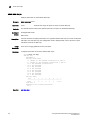
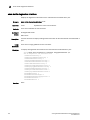
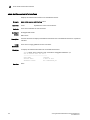
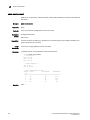
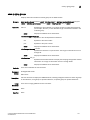
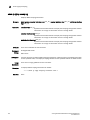
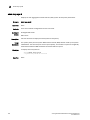
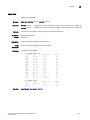
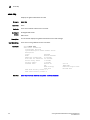
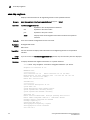
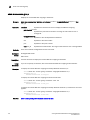
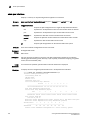
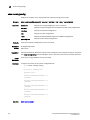
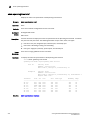
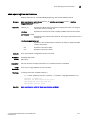
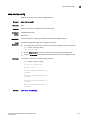
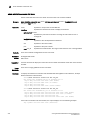
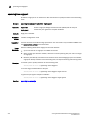
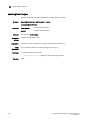
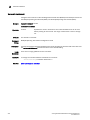
show lldp neighbors
show lldp neighbors
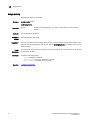
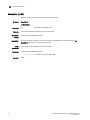
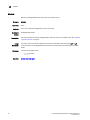
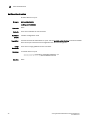
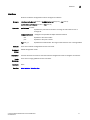
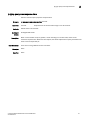
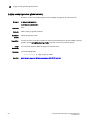
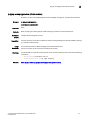
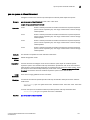
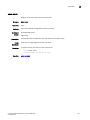
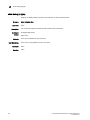
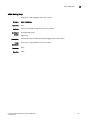
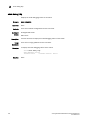
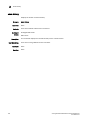
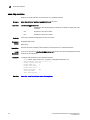
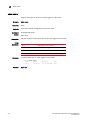
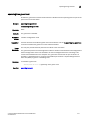
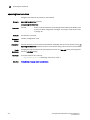
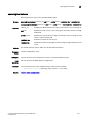
Displays LLDP information for all neighboring devices on the specified interface.
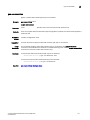
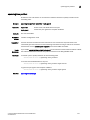
Synopsis
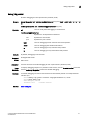
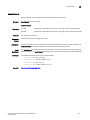
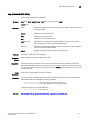
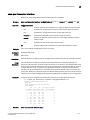
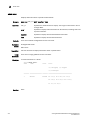
show lldp neighbors {interface tengigabitethernet slot/port | detail}
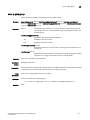
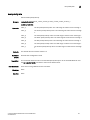
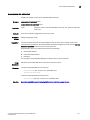
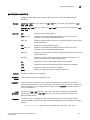
Operands
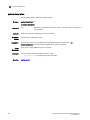
interface tengigabitethernet
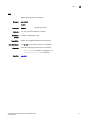
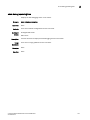
Specifies a valid 10 Gbps Ethernet interface.
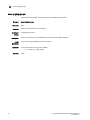
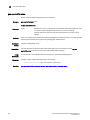
Defaults
Command
Modes
Description
Usage
Guidelines
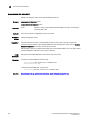
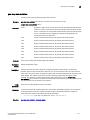
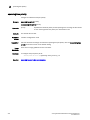
Examples
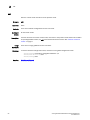
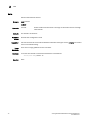
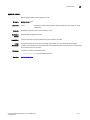
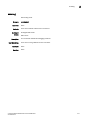
slot
Specifies a valid slot number.
port
Specifies a valid port number.
detail
Displays all the LLDP neighbor information in detail for the specified
interface.
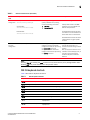
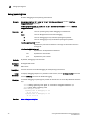
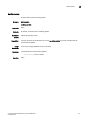
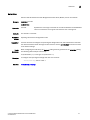
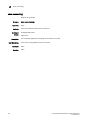
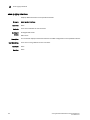
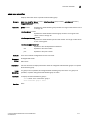
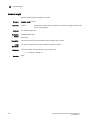
There are no default configurations for this command.
Privileged EXEC mode
EXEC mode
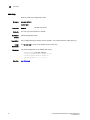
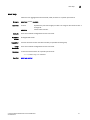
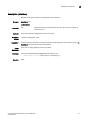
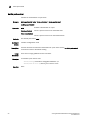
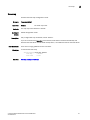
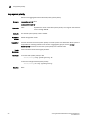
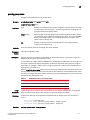
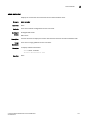
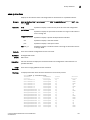
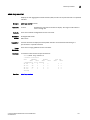
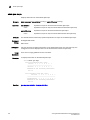
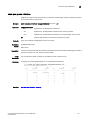
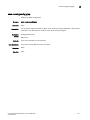
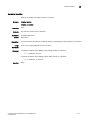
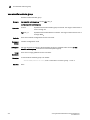
Use this command to display LLDP information for all neighboring devices on the specified
interface.
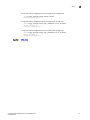
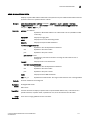
If you do not use the interface tengigabitethernet operand, only the mandatory TLVs are displayed.
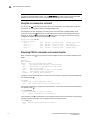
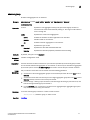
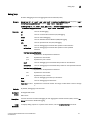
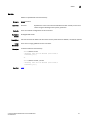
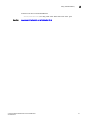
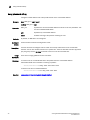
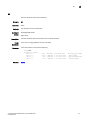
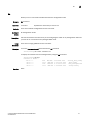
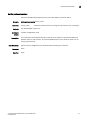
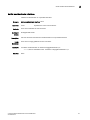
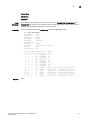
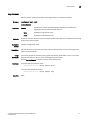
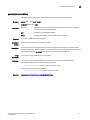
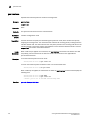
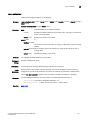
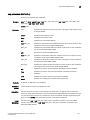
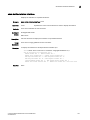
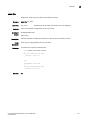
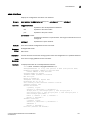
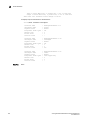
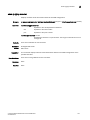
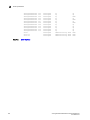
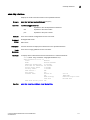
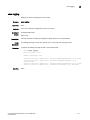
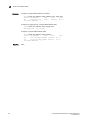
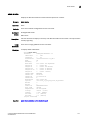
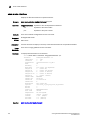
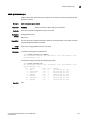
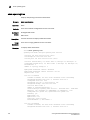
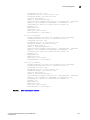
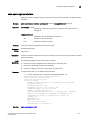
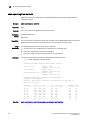
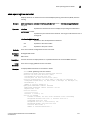
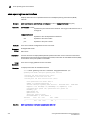
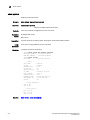
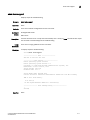
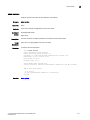
To display detailed LLDP neighbor information on a specific interface:
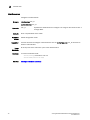
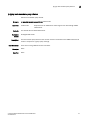
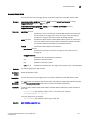
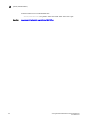
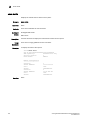
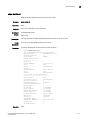
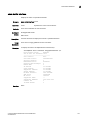
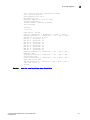
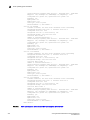
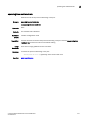
switch#show lldp neighbors interface tengigabitethernet 0/8 detail
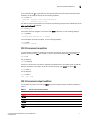
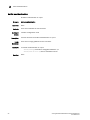
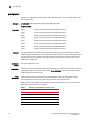
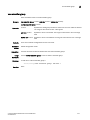
Neighbors for Interface Te 0/8
MANDATORY TLVs
===============
Local Interface: Te 0/8
Remote Interface: Te 0/8 (IF Name)
Dead Interval: 120 secs Remaining Life : 100 secs Tx: 536 Rx: 535
Chassis ID: 0005.1e76.1020 (MAC)
Remote Mac: 0005.1e76.102c
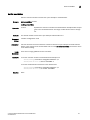
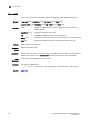
OPTIONAL TLVs
==============
Port Interface Description: Te 0/8
System Name: sw0
System Description: Fibre Channel Switch.
System Capabilities: Switching Routing
System Capabilities Enabled: Switching
Link Prim: 257
Remote Protocols Advertised: Multiple Spanning Tree Protocol
Remote VLANs Configured: VLAN ID: 1 VLAN Name: default
AutoNego Support: Supported Not Enabled
AutoNego Capability: 0
Operational MAU Type: 0
Link Aggregation Capability: Capable
Link Aggregation Status: Disabled
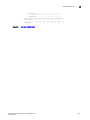
Port Vlan Id: 1
172
Converged Enhanced Ethernet Command Reference
53-1002164-01