1
DTBC-MNF(or D)1NP-AG 2007.9.20 2:57 PM ˘
` 36
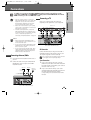
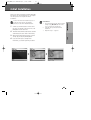
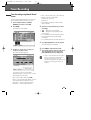
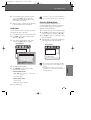
Setup menu
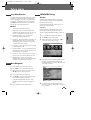
Update/ Restore
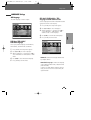
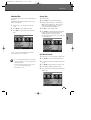
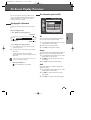
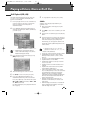
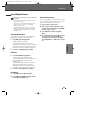
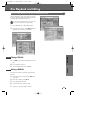
Software Update
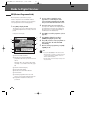
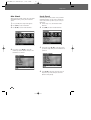
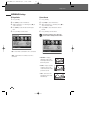
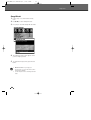
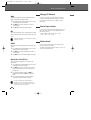
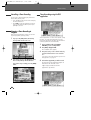
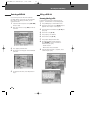
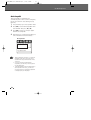
Restore Default Settings
If you wish, you can check for software updates.
If you wish, you can reset the DVB-T VCR/DVD
Recorder to its original factory settings.
1
2
3
4
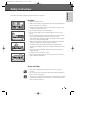
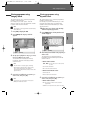
Press [SETUP]. The Setup menu appears.
Press [SETUP]. The Setup menu appears.
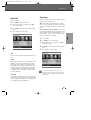
While ‘Update/Restore‘ is selected, press [†]
to select ‘Check For Software Update‘.
1
2
3
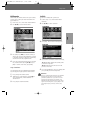
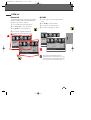
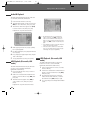
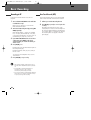
Press [OK] to set the ‘Check For Software
Update’.
4
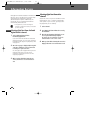
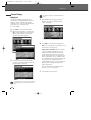
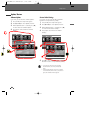
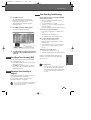
Press [OK] to select the ‘Restore Default
Settings’.
5
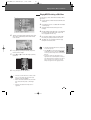
Use [√] to select ‘YES’. Then DVB-T VCR/DVD
Recorder is reset to its original factory settings.
Use [œ] and [√] to select ‘Update/ Restore‘.
Use [œ] and [√] to select ‘Update/ Restore‘.
While ‘Update/Restore‘ is selected, press [†]
to select ‘Restore Default Settings’.
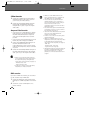
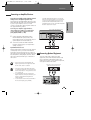
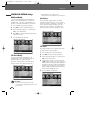
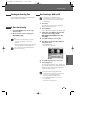
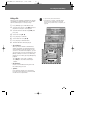
• Some options cannot be reset, including
Parental Controls, Password, and Country
Code.
• After Restoring Defaults, the unit is powered
off automatically. At this time, if you power on
again, the Installation menu appears.
36