1
GETTING STARTED
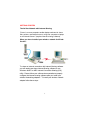
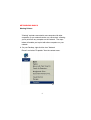
Please note that this type of installation requires that your ISP
or Network Administrator can give you a static IP address for
each computer. Please consult the documentation that comes
with your Access Point to determine its necessary configuration.
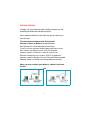
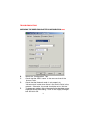
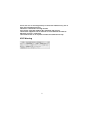
To complete this installation, please follow these steps:
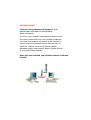
1.Install the access point and connect it to your cable/DSL modem.
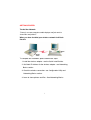
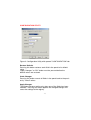
2. Install the wireless adapter - see the Quick Install Guides.
3. Check the wireless connection- see Configuration Utility and
Networking Basics section.
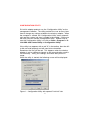
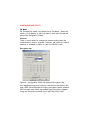
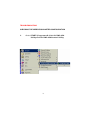
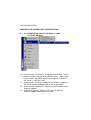
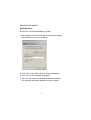
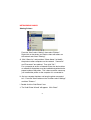
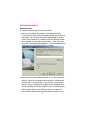
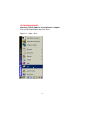
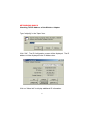
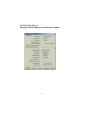
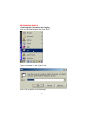
4. Set Static IP Address for the wireless adapter - see Networking
Basics section.
NOTE: If you are using a PPPoE client, go to “Networking Basics
section” instead. Verify the settings with your ISP or Network
Administrator if necessary.
5. Learn to share printers and files - see Networking Basics.
6