1
16
Installing the VoIP Loudspeaker Amplifier
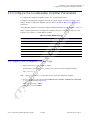
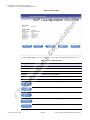
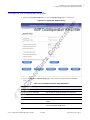
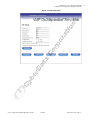
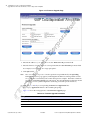
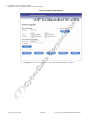
Configure the Loudspeaker Amplifier Parameters
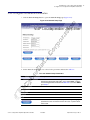
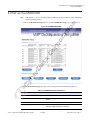
Table 2-9. Network Setup Parameters
Web Page Item
Description
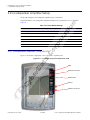
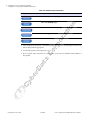
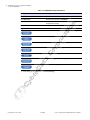
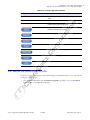
Link to the Speaker Setup page.
Link to the SIP Setup page.
Link to the MGROUPS Setup page.
Link to the Upgrade Firmware page.
Link to the Home page.
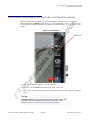
3. After changing the parameters, click Save Settings. This updates the changed parameters and
reboots the speaker if appropriate.
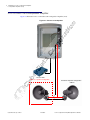
4. Connect the speaker to the target network.
5. From a system on the same network as the speaker, open a browser with the new IP address of
the speaker.
CyberData Corporation
930106C
VoIP Loudspeaker Amplifier Operations Guide