1
Using the Camera with a Computer
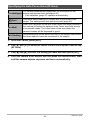
Things you can do using a computer...
You can perform the operations described below while the camera is connected to a
computer.
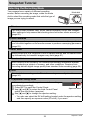
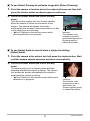
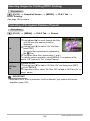
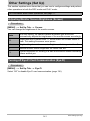
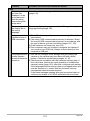
Save images to a
computer and
view them there
• Save images and view them manually
(USB connection) (pages 125, 132).
• Transfer images to a computer
automatically over a wireless LAN for
viewing (Eye-Fi) (page 136).
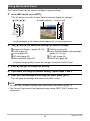
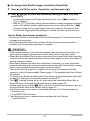
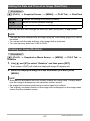
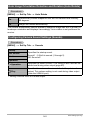
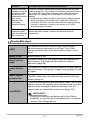
Transfer images
stored on your
computer to
camera memory
In addition to images, you also can transfer
screen shot images from your computer to
the camera (Photo Transport*) (page 130).
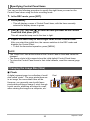
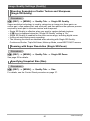
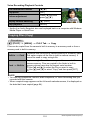
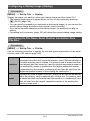
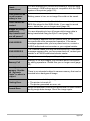
Play back and
edit movies
• You can play back movies (pages 128,
135).
• To edit movies, use commercially
available software as required.
* Windows only
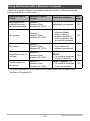
The procedures you need to perform when using the camera with your computer and
when using the software are different for Windows and the Macintosh.
• Windows users should refer to “Using the Camera with a Windows Computer”
on page 124.
• Macintosh users should refer to “Using the Camera with a Macintosh” on page
132.
123
Using the Camera with a Computer