1
1890
Cause
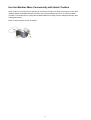
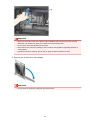
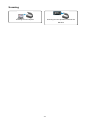
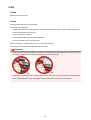
The protective material for the print head holder or the tape may remain attached to the holder.
Action
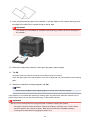
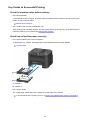
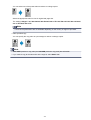
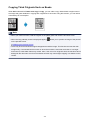
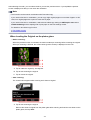
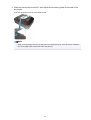
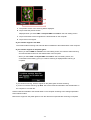
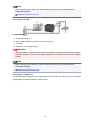
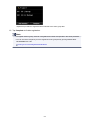
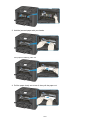
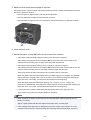
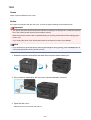
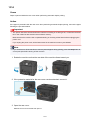
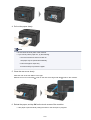
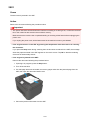
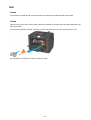
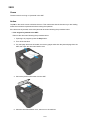
Open the front cover, then confirm that the protective material or the tape does not remain attached to the
print head holder.
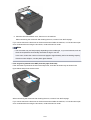
If you find the protective material or the tape remains attached, remove it, then close the front cover.
If the problem is not resolved, contact the service center.
1076