1
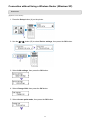
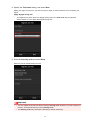
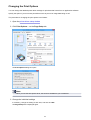
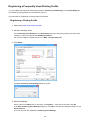
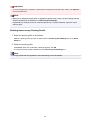
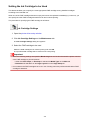
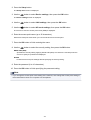
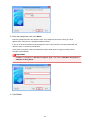
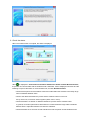
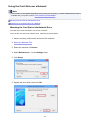
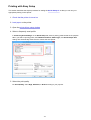
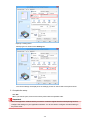
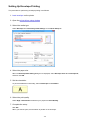
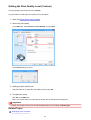
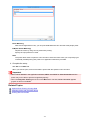
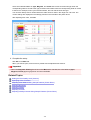
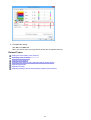
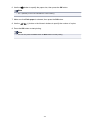
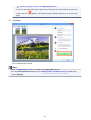
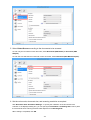
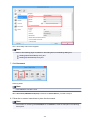
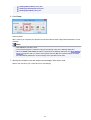
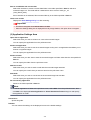
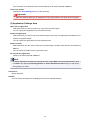
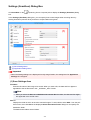
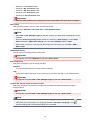
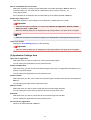
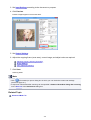
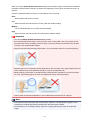
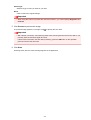
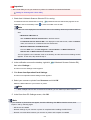
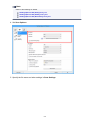
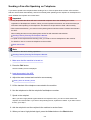
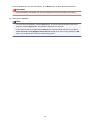
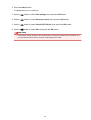
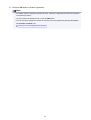
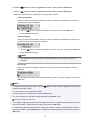
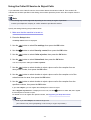
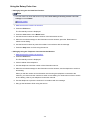
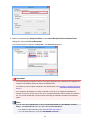
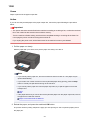
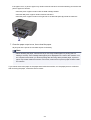
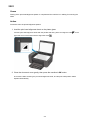
4. Complete the setup
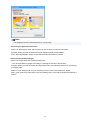
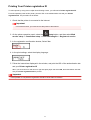
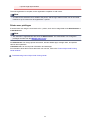
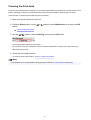
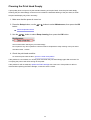
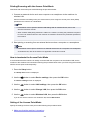
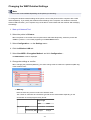
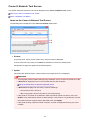
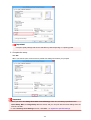
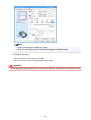
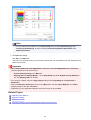
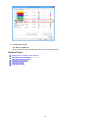
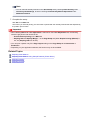
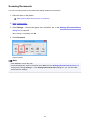
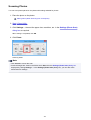
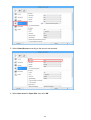
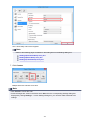
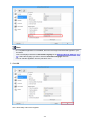
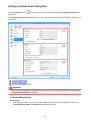
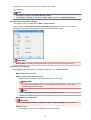
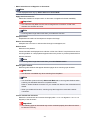
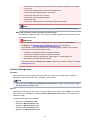
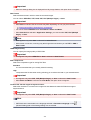
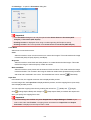
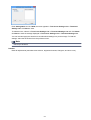
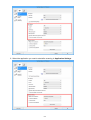
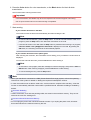
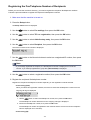
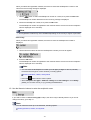
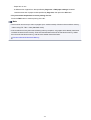
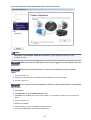
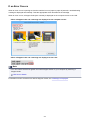
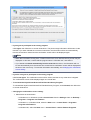
Click OK on the Main tab.
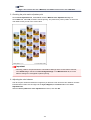
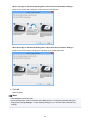
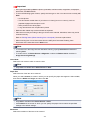
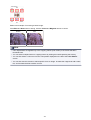
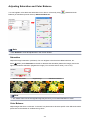
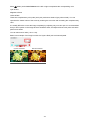
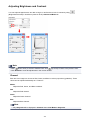
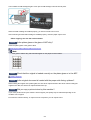
When you execute print, the image data is printed with the adjusted intensity.
Related Topics
Setting the Print Quality Level (Custom)
Specifying Color Correction
Adjusting Color Balance
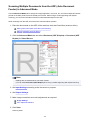
Adjusting Color Balance Using Sample Patterns (Printer Driver)
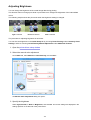
Adjusting Brightness
Adjusting Contrast
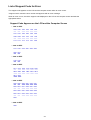
Adjusting Intensity/Contrast Using Sample Patterns (Printer Driver)
387