1
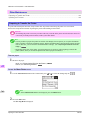
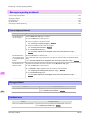
Error Message > Messages regarding paper >
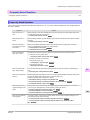
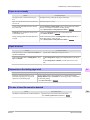
Cause
Corrective Action
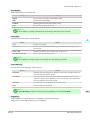
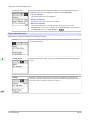
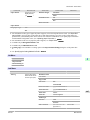
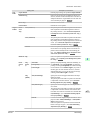
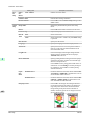
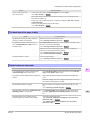
You are using paper that is
not compatible with automatic cutting.
For information about paper that is compatible with automatic cutting, see the Paper
Reference Guide.
(See Paper Reference Guide.)
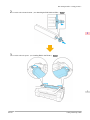
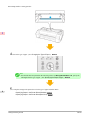
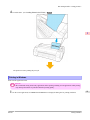
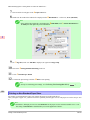
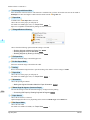
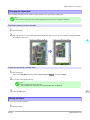
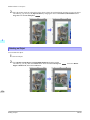
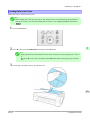
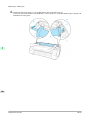
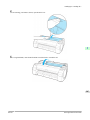
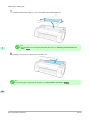
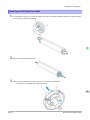
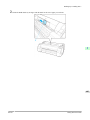
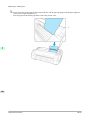
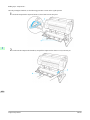
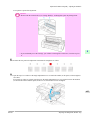
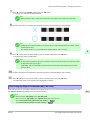
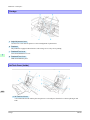
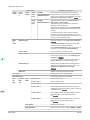
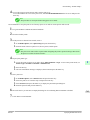
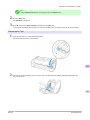
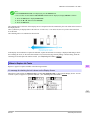
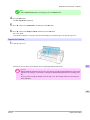
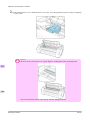
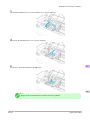
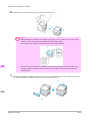
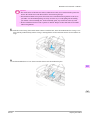
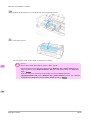
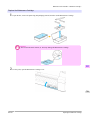
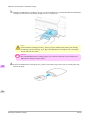
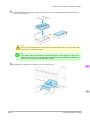
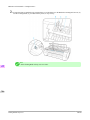
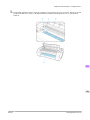
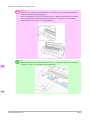
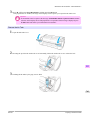
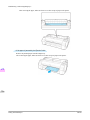
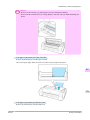
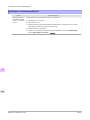
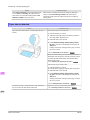
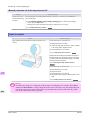
2. Push the Release Lever back and remove the paper.
In other cases, the Cutter
Unit may be damaged.
Contact your Canon dealer for assistance.
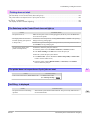
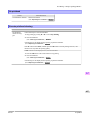
End of paper feed.
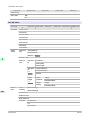
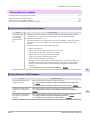
Cause
Corrective Action
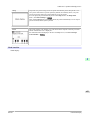
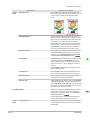
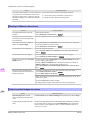
You are pressing the ▲ button on the Control Panel and trying to rewind the roll to the edge.
Release the ▲ button.
Rel lever is in wrong position.
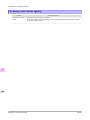
Cause
Corrective Action
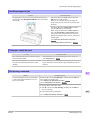
The Release Lever is pushed back.
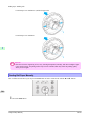
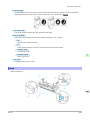
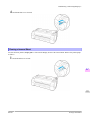
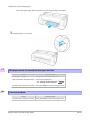
Pull the Release Lever forward.
Turn off the printer and wait a while before restoring power.
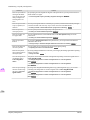
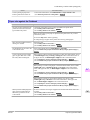
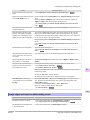
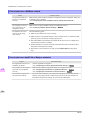
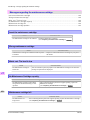
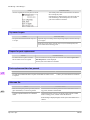
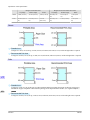
Borderless printng not possible.
Cause
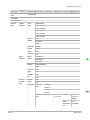
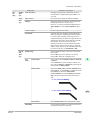
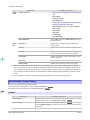
The print job received specifies
a type or width of paper that is
not compatible with borderless
printing.
Corrective Action
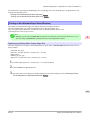
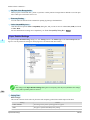
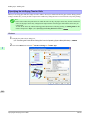
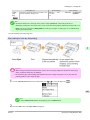
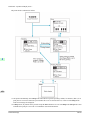
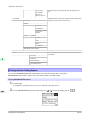
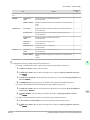
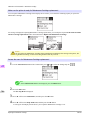
Follow these steps to change the settings of the print job to enable borderless printing.
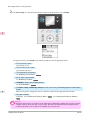
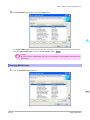
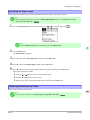
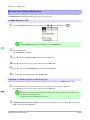
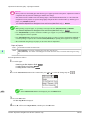
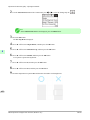
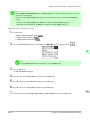
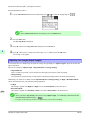
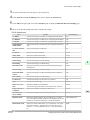
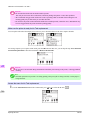
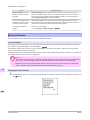
1. Press ▲ or ▼ to select Stop Printing, and then press the OK button.
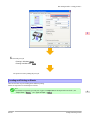
2. Make sure the correct printer driver for the printer is selected and try printing
again.
For information on types of paper compatible with borderless printing, refer to
the Paper Reference Guide.
(See Paper Reference Guide.)
12
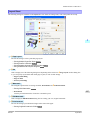
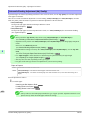
Select None when you have set Detect Mismatch on the control panel to Warning.
However, note that this error may cause paper jams and affect the printing quality.
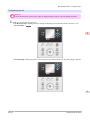
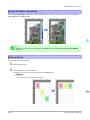
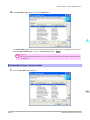
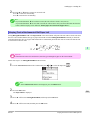
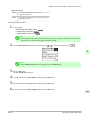
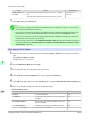
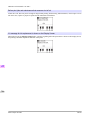
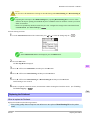
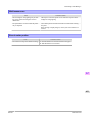
Press ▲ or ▼ to select Print With Border, and then press the OK button to continue printing. The document will be printed with a border.
820
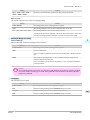
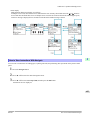
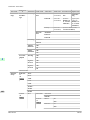
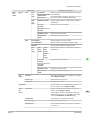
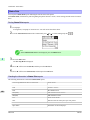
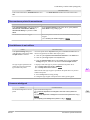
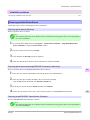
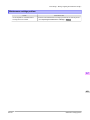
The loaded paper is a size not
compatible with borderless
printing.
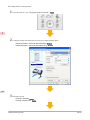
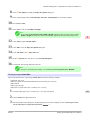
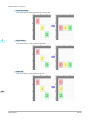
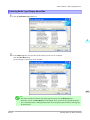
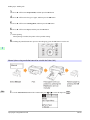
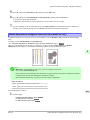
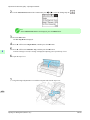
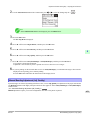
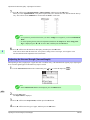
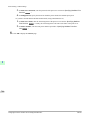
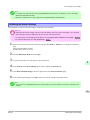
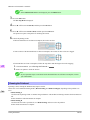
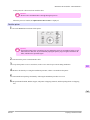
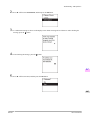
Press ▲ or ▼ to select Stop Printing, and then press the OK button.
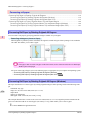
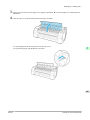
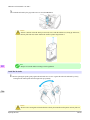
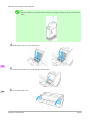
Replace the paper with paper compatible for borderless printing as follows.
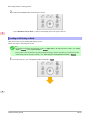
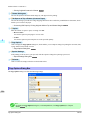
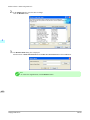
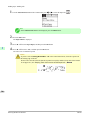
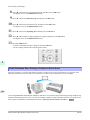
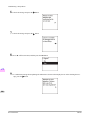
1. Press ▲ or ▼ to select Change Paper, and then press the OK button.
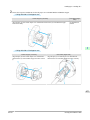
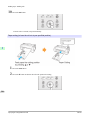
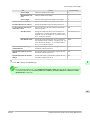
(See "Removing the Roll from the Printer.") →P.585
(See "Removing the Roll Holder from Rolls.") →P.589
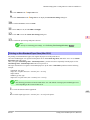
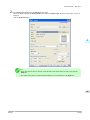
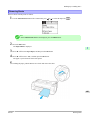
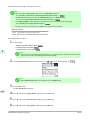
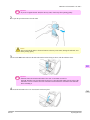
2. Replace the paper with paper compatible for borderless printing.
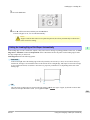
(See "Attaching the Roll Holder to Rolls.") →P.575
(See "Loading Rolls in the Printer.") →P.579
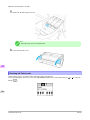
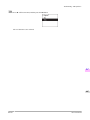
The printer now starts printing the print job.
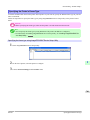
For information on types of paper compatible with borderless printing, refer to
the Paper Reference Guide.
End of paper feed.
iPF750