1
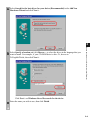
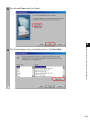
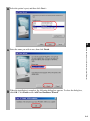
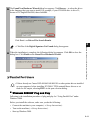
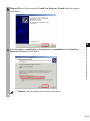
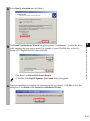
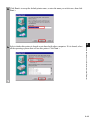
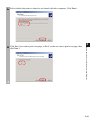
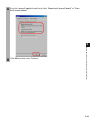
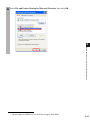
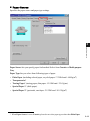
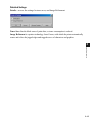
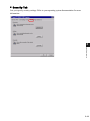
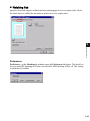
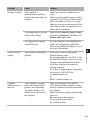
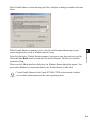
5 When the installation is complete, the following dialog box appears. Click OK to close the
dialog box. Click Finish on the Add New Hardware Wizard.
Parallel Port Users
■ Add Printer Wizard
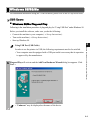
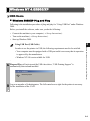
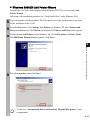
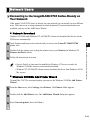
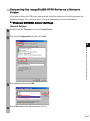
To install the CAPT on a local computer using Windows 95/98/Me, you can use the Windows
95/98/Me Add Printer Wizard.
Following is the installation procedures for “Using Parallel Port” under Windows 98.
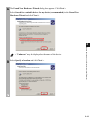
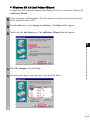
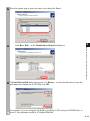
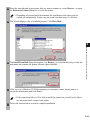
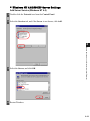
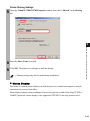
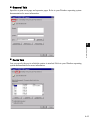
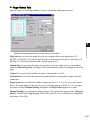
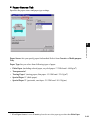
1 From the Start menu, select Settings, then Printers. The Printers folder appears.
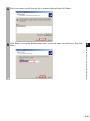
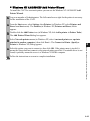
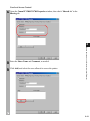
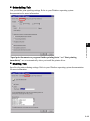
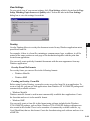
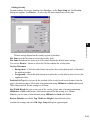
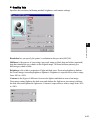
2 Double-click the Add Printer icon. The Add Printer Wizard dialog box appears. Click
Next >.
2
Installing the Printer Driver (Canon Advanced Printing
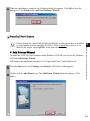
• If there already are Canon LBP-460/465/660/800/810 or other printer drivers installed
on your computer, before installing PC1200/iC D700 uninstall those drivers or set
IMPORTANT
them for file output, selecting FILE: in the port selection dialog.
2-5