1
Changing the Recording Pixel Setting
(Image Size)
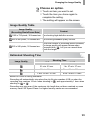
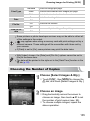
You can choose from six recording pixels (image size) settings.
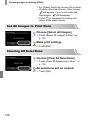
Choose the recording pixel setting.
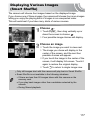
● Touch ø, then drag vertically up or
down the menu on the left to choose
.
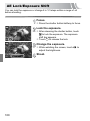
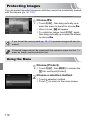
Choose an option.
● Touch an item you want to set.
● If you drag vertically up or down the menu
to the right, other items will appear.
● Touch the item you chose again to
complete the setting.
X The setting you chose will appear on the
screen.
If you choose
, you cannot use Digital Zoom (p. 65) or Digital TeleConverter (p. 66).
Changing the Compression Ratio
(Image Quality)
You can choose from the following two levels of compression ratio (image
quality):
(Fine),
(Normal).
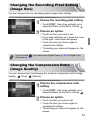
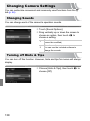
Choose the compression ratio
setting.
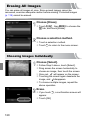
● Touch ø, then drag vertically up or
down the menu on the left to choose
.
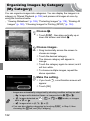
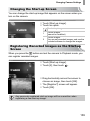
Choose an option.
● Touch an item you want to set.
● Touch the item you chose again to
complete the setting.
X The setting you chose will appear on the
screen.
73