1
CHAPTER 3 EXPOSURE SYSTEM
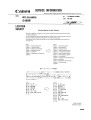
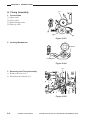
4. Adjusting the Position of the Mirror
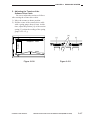
Be sure to adjust the position of the mirror
as follows after you have mounted the
scanner drive cable.
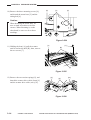
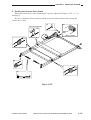
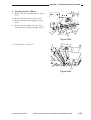
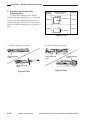
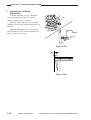
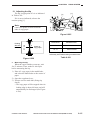
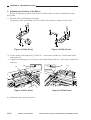
1) Keep the mirror positioning tool nearby.
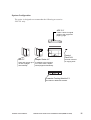
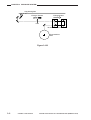
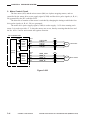
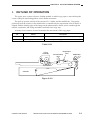
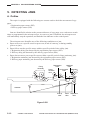
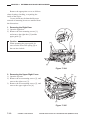
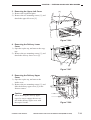
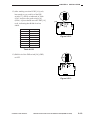
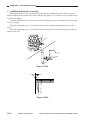
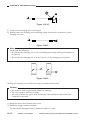
Arrange the mirror positioning tool (FY93009-050) as shown to adapt it to the
copier.
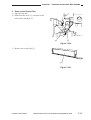
Figure 3-508a (Rear)
Figure 3-508b (Front)
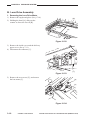
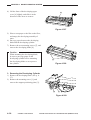
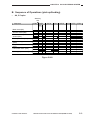
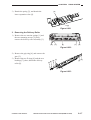
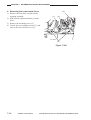
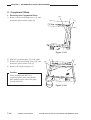
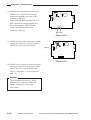
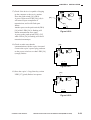
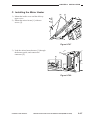
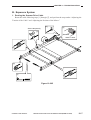
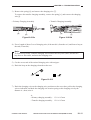
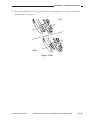
2) Fit the mirror positioning tool [1] to the
No. 1 mirror base and the No. 2 mirror
base (both front and rear).
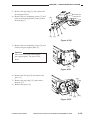
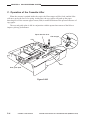
3) Tighten the mounting screw [2] on the
cable metal fixing of the No. 1 mirror
base (both front and rear).
[1]
[2]
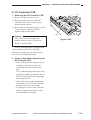
Figure 3-509a (Rear)
[2]
[1]
Figure 3-509b (Front)
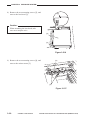
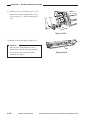
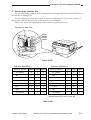
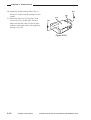
4) Detach the mirror positioning tool.
3–16
COPYRIGHT © 1998 CANON INC.
CANON NP7161/NP7160 REV.0 AUG. 1998 PRINTED IN JAPAN (IMPRIME AU JAPON)