1
Modifying Configurations with New Link Modules
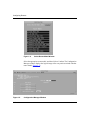
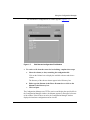
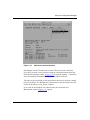
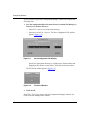
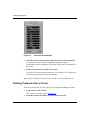
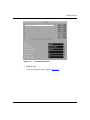
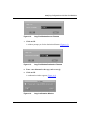
Figure A-2.
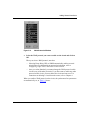
7.
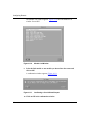
Copy File Window Source Filename
Click on OK.
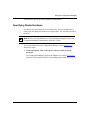
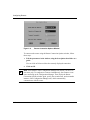
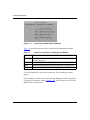
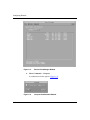
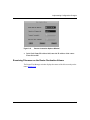
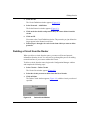
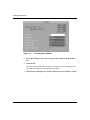
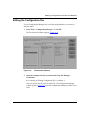
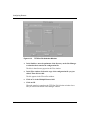
A window prompts you for the destination filename (Figure A-3).
Figure A-3.
Copy File Window Destination Filename
8.
Enter a new filename for the copy, such as test.cfg.
9.
Click on OK.
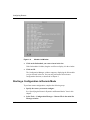
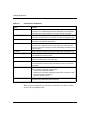
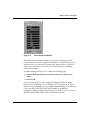
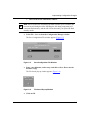
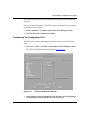
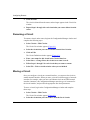
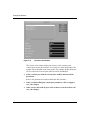
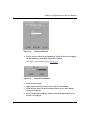
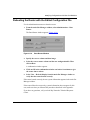
A confirmation window appears (Figure A-4).
Figure A-4.
114080 Rev. A
Copy Confirmation Window
A-3