1
Chapter 7 Off-premise Message Notification
97
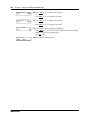
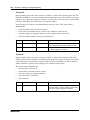
where:
•
•
•
•
•
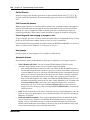
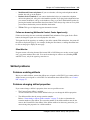
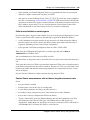
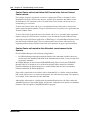
£ specifies the next digits are special characters
› recognize dial tone
¤ specifies that the next digits are the numbers to be dialed
fififi⁄¤‹› is the pager phone number dialed
‹ inserts a timed pause
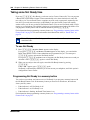
Depending on the company supplying your paging service, the programming sequence can vary.
For more information about setting the destination phone number parameters for your pager,
contact your pager company.
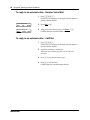
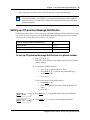
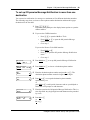
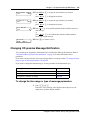
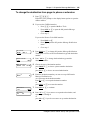
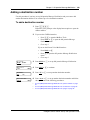
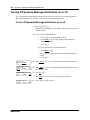
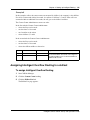
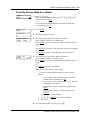
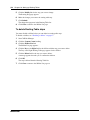
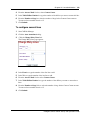
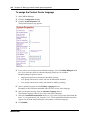
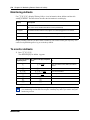
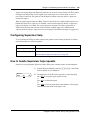
To set up Off-premise Message Notification to a pager
1
Press ≤·°⁄.
Follow the voice prompts or the display button options to open the
skillset mailbox.
2
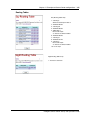
If you use the CallPilot interface:
•
•
•
Press °fi to open the Mailbox Tools
Press NOTIF or ¤ to open the Off-premise Message
Notification menu
Go to step 3
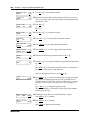
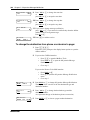
If you use the Norstar Voice Mail interface:
•
•
•
Press ADMIN or °
Press fl to open the Off-premise Message Notification
menu
Go to step 3
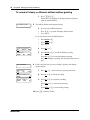
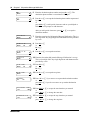
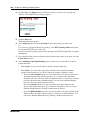
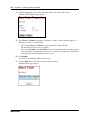
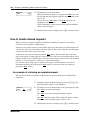
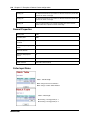
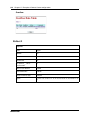
Msg notify
ADMIN SELECT
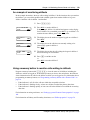
3
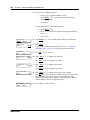
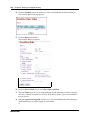
Press ADMIN or ⁄ to set up Off-premise Message Notification.
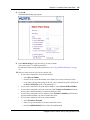
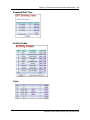
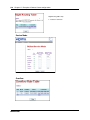
Destination:
PHONE EXT PAGER
4
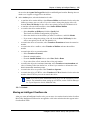
Press PAGER or ‹ to select a pager number destination.
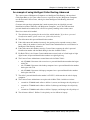
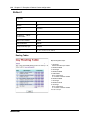
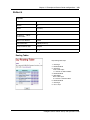
Pager:
RETRY
5
Enter the destination pager number and press OK or £.
OK
Intelligent Contact Center Set Up and Operation Guide