1
22
Chapter 1 Getting started
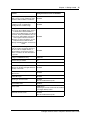
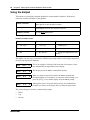
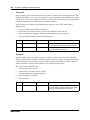
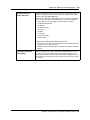
Convention
Description
plain Courier
text
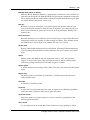
Indicates command syntax and system output (for example, prompts
and system messages).
Example: Set Trap Monitor Filters
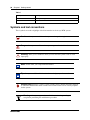
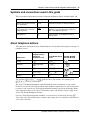
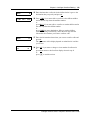
FEATURE
HOLD
RELEASE
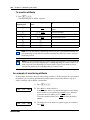
Indicates that you press the button with the coordinating icon on
whichever set you are using.
Related publications
This section provides a list of additional documents referred to in this guide.
CallPilot Manager Set Up and Operation Guide (NN40170-300)
CallPilot Telephone Administration Guide (NN40170-601)
Intelligent Contact Center Set Up and Operation Guide (NN40170-301)
Intelligent Contact Center Agent Guide (NN40040-101)
Intelligent Contact Center Supervisor Guide (NN40040-102)
Keycode Installation Guide (NN40010-301)
Avaya Business Communications Manager 6.0 Administration and Security Guide
(NN40170-603)
Avaya Business Communications Manager 6.0 Configuration—Devices Guide (NN40170-500)
Customer Service
Visit the Avaya Web site to access the complete range of services and support that Avaya
provides. Go to www.avaya.com or go to one of the pages listed in the following sections.
Navigation
•
•
•
•
“Getting technical documentation” on page 22
“Getting product training” on page 23
“Getting help from a distributor or reseller” on page 23
“Getting help from a distributor or reseller” on page 23
Getting technical documentation
To download and print selected technical publications and release notes directly from the Internet,
go to www.avaya.com/support.
NN40170-600