1
Advanced features
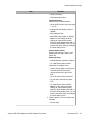
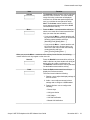
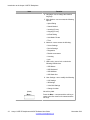
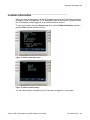
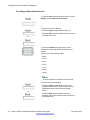
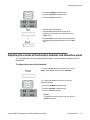
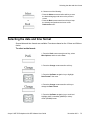
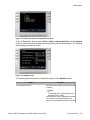
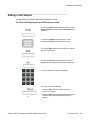
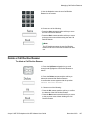
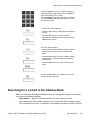
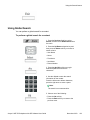
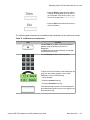
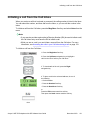
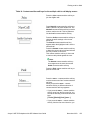
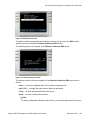
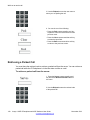
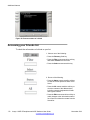
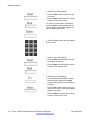
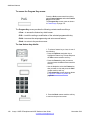
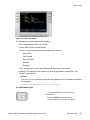
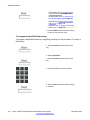
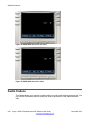
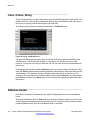
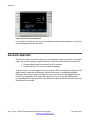
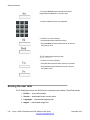
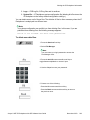
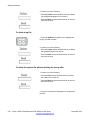
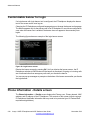
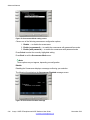
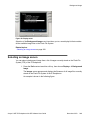
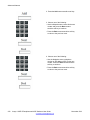
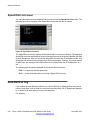
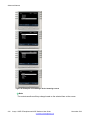
6. Press the Up/Down navigation key to highlight one
of the following:
• Profiles
• Sounds
• Languages
• System file
• All files
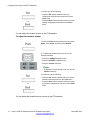
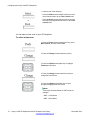
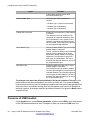
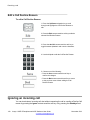
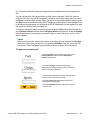
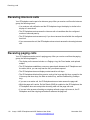
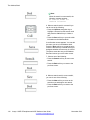
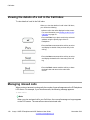
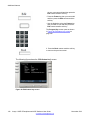
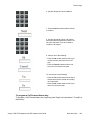
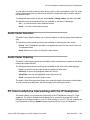
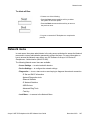
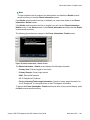
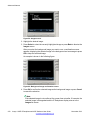
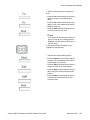
7. Choose one of the following:
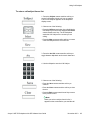
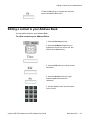
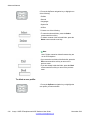
• To enter the selected folder, press the Select
context-sensitive soft key.
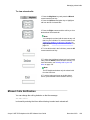
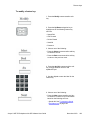
• To delete contents of the selected folder, press the
Delete context-sensitive soft key.
Note:
Note: Folders cannot be deleted because they are
on the IP Deskphone.
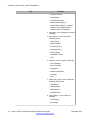
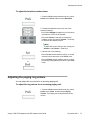
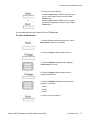
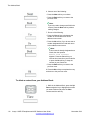
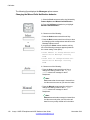
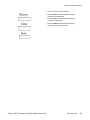
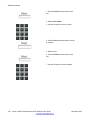
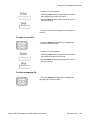
• If you are at the root folder of the flash disk, press the
Exit context-sensitive soft key to return to the
previous menu.
• If you are already inside the folder, press the Back
context-sensitive soft key to return to the previous
menu.
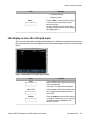
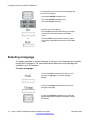
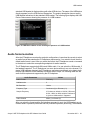
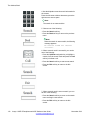
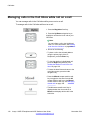
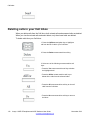
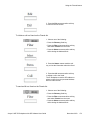
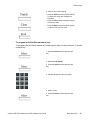
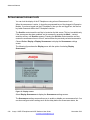
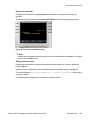
To delete a user profile:
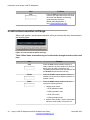
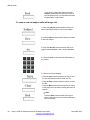
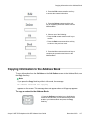
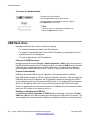
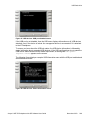
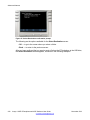
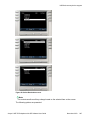
1. Press the Up/Down navigation key to highlight the
user profile you want to delete.
234
Avaya 1165E IP Deskphone with SIP Software User Guide
Comments? [email protected]
November 2013