1
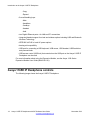
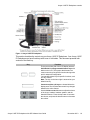
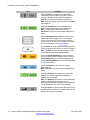
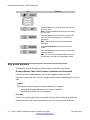
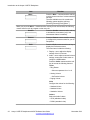
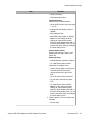
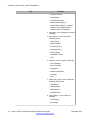
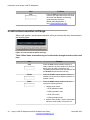
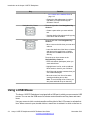
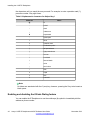
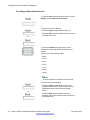
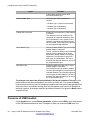
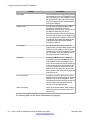
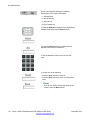
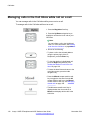
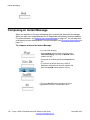
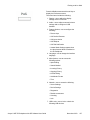
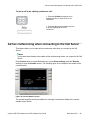
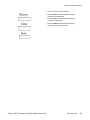
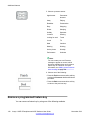
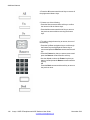
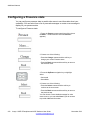
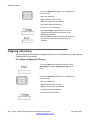
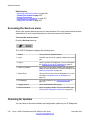
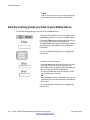
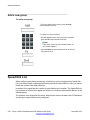
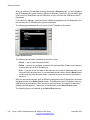
Context-sensitive soft keys
Item
Function
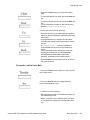
• Voice Mail Settings
• Change Location
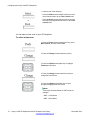
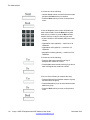
More…
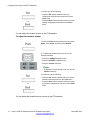
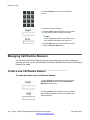
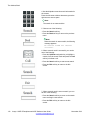
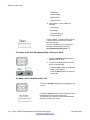
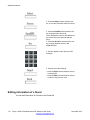
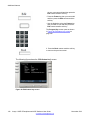
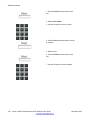
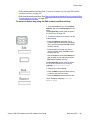
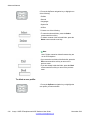
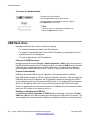
Press the More... context-sensitive soft key
to return to the first menu list of contextsensitive soft keys.
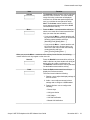
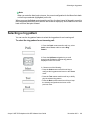
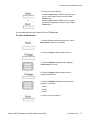
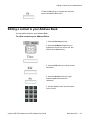
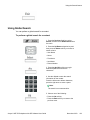
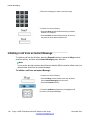
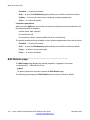
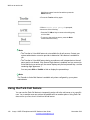
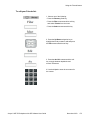
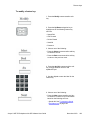
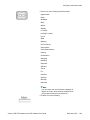
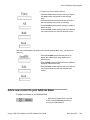
The next available menu list contains the
following context-sensitive soft keys: [Redial]
[abc] [Msgs] [More...]
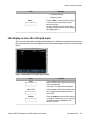
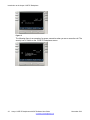
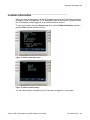
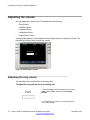
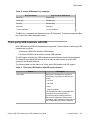
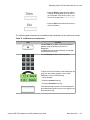
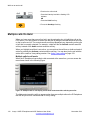
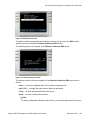
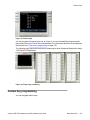
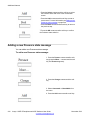
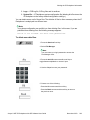
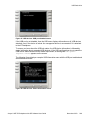
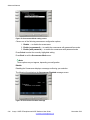
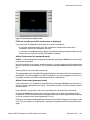
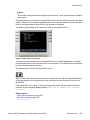
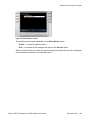
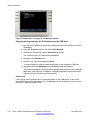
Idle display screen after dial pad input
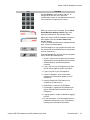
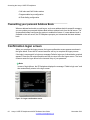
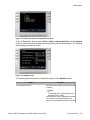
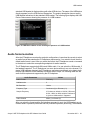
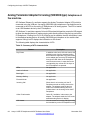
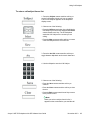
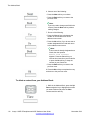
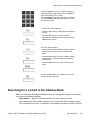
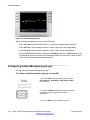
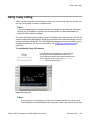
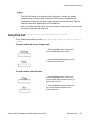
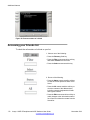
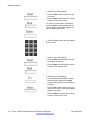
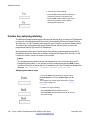
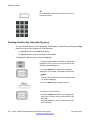
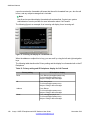
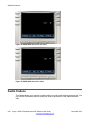
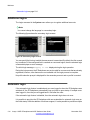
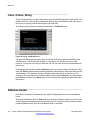
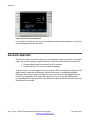
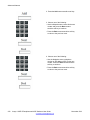
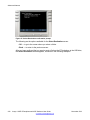
After you enter information using the dial pad (there is no dial tone or preceding line selection),
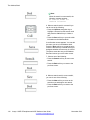
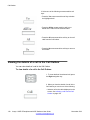
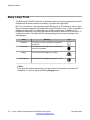
the context-sensitive soft keys displayed on the idle screen appear as shown in the following
figure.
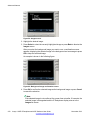
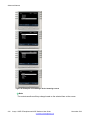
Figure 3: Idle display screen after dial pad input
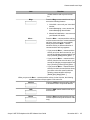
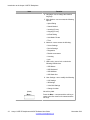
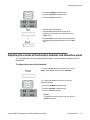
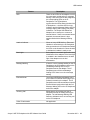
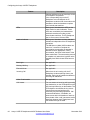
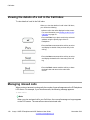
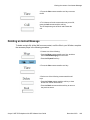
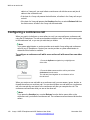
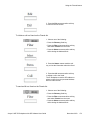
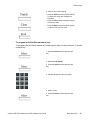
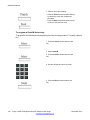
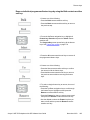
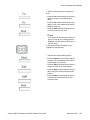
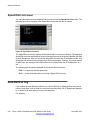
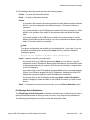
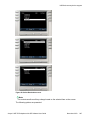
Item
Function
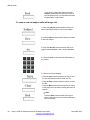
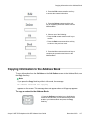
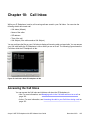
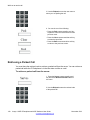
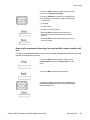
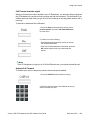
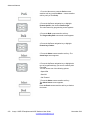
Send
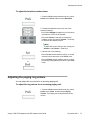
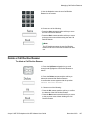
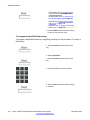
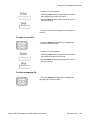
Press the Send context-sensitive soft key to
dial out the user input using the primary login
of the IP Deskphone.
User input is run against the dialing plan.
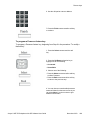
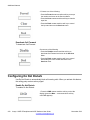
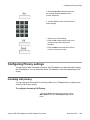
abc or 123
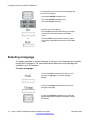
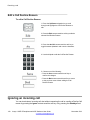
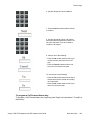
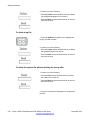
Press the abc or 123 context-sensitive soft
key to toggle between alpha and numeric
input mode.
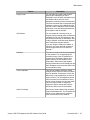
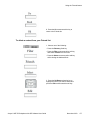
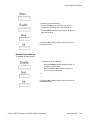
Subject
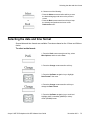
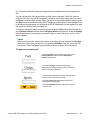
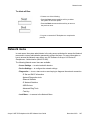
Press the Subject context-sensitive soft key
to configure a subject line to your outgoing
call before pressing the Send contextsensitive soft key.
Avaya 1165E IP Deskphone with SIP Software User Guide
November 2013
29