1
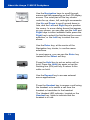
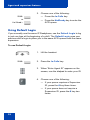
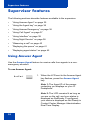
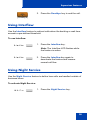
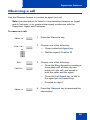
Supervisor features 2. Press the 6 key (6 = N for Night) to go into Night Service. The Night Service LCD lights continuously. All calls in the queue and new calls receive night service. To transition to Night Service: 1. Press the Night Service key. 2. Press the 8 key (8 = T for Transition) to activate Transition mode. The Night Service LCD flashes. All calls in the queue remain in the queue and new calls receive Night Service. To deactivate Night Service: 1. Press the Night Service key. 2. Press the 3 key (3 = D for Day) to resume Day mode. The Night Service LCD flashes. New calls enter the queue. 39