1
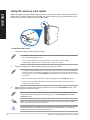
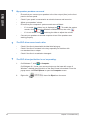
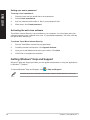
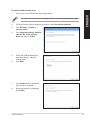
To create a USB recovery drive:
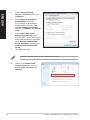
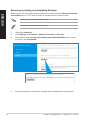
Launch the Control Panel from the All Apps screen.
ENGLISH
1.
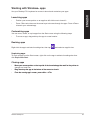
For details, refer to Launching the All Apps screen under Working with Windows® apps.
2.
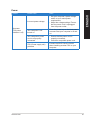
From the Control Panel’s System and Security, click Find and fix problems.
3.
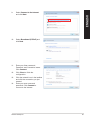
Click Recovery > Create a
recovery drive.
4.
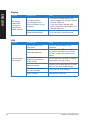
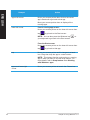
Click Copy the recovery partition
from the PC to the recovery
drive, and then click Next.
5.
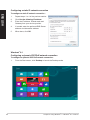
Select the USB storage device
where you want to copy the
recovery files.
6.
Click Next.
7.
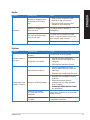
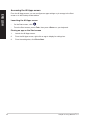
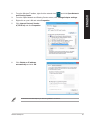
Click Create. Wait for a while for
the process to complete.
8.
When the process is completed,
click Finish.
ASUS Desktop PC
75