1
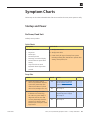
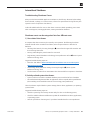
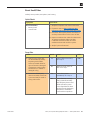
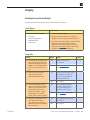
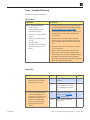
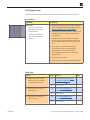
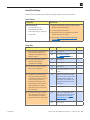
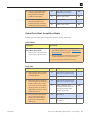
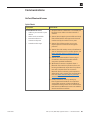
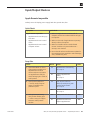
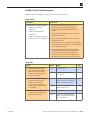
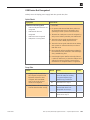
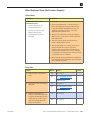
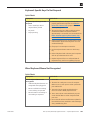
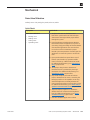
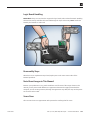
Vertical/Horizontal Lines
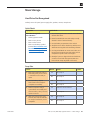
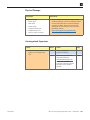
Unlikely cause: power supply, hard drive, optical drive, fans, speakers, camera, microphone
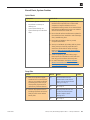
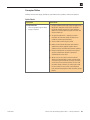
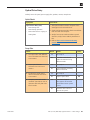
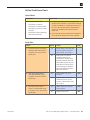
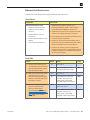
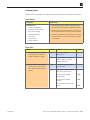
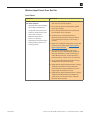
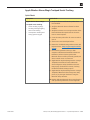
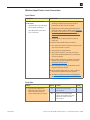
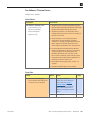
Quick Check
Symptoms
Quick Check
Vertical/Horizontal Lines
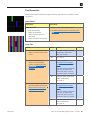
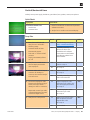
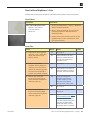
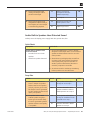
• Vertical lines
• Horizontal lines
1. Boot from install DVD to determine if potential
software issue exists.
2. Verify if issue is visible on an external display.
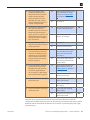
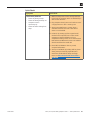
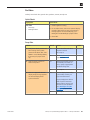
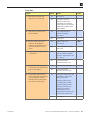
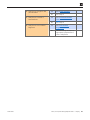
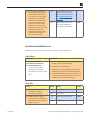
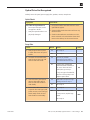
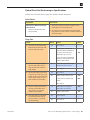
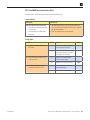
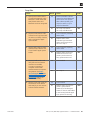
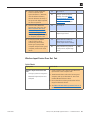
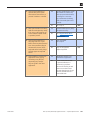
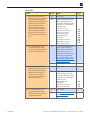
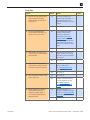
Deep Dive
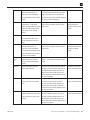
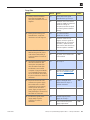
Check
Action
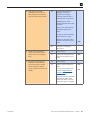
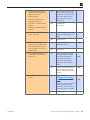
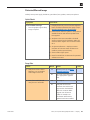
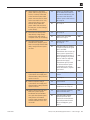
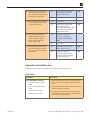
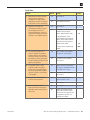
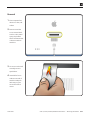
1. Boot from Install DVD and
verify if issue is still visible:
• Flickering image
• Horizontal bands of static
intermittently appear
• Dock and / or menu bar shift
positions
• Display intermittently flashes
on / off
Yes
Go to Flickering issue, go to
Noise / Unstable Flickering.
No
Issue likely caused by
software or driver issue.
Troubleshoot for software
issues. Make sure all firmware
and software updates have
been installed.
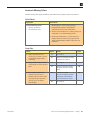
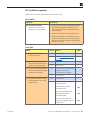
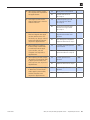
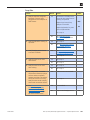
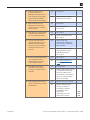
2. Verify if issue is visible on an
external display attached to
mini DisplayPort.
Yes
Issue NOT caused by internal
LCD. Go to step 3.
No
Go to step 4.
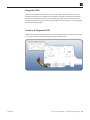
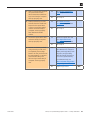
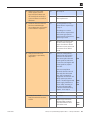
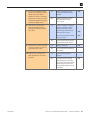
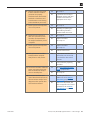
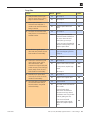
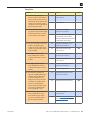
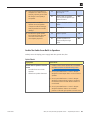
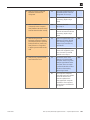
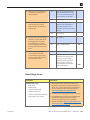
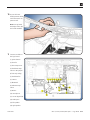
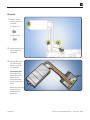
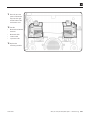
3. Remove video card and inspect
connector for damage or
corrosion then reinstall. Verify if
issue still occurs.
Yes
Replace video card.
Go to step 5.
No
Issue likely caused by poor
video card connection.
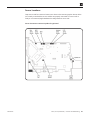
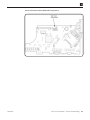
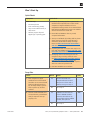
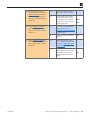
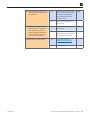
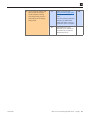
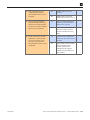
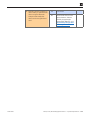
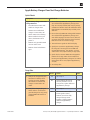
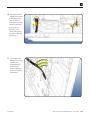
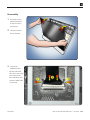
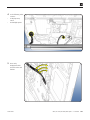
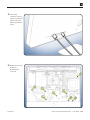
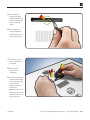
4. Disconnect DisplayPort cable
between LCD display and logic
board, and verify if there is
damage to cable or connectors.
Yes
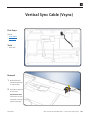
Replace DisplayPort cable
and vertical sync cable or any
other damaged part/module.
Go to step 5.
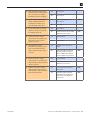
No
Reinstall DisplayPort cable
and vertical sync cable.
Go to step 9.
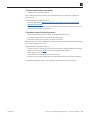
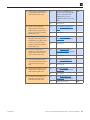
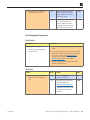
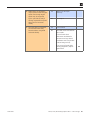
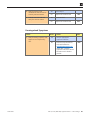
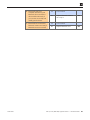
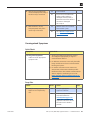
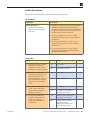
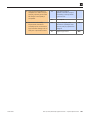
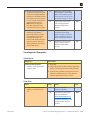
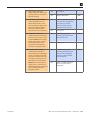
Yes
Replace logic board. If video
card was present, reinstall
original video card.
Go to step 6.
No
Issue resolved.
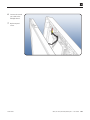
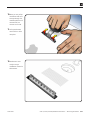
Repeat with vertical sync cable
connected between LCD panel
and LED backlight board.
5. Verify if issue is still present.
2010-09-09
Result
Code
M24
X04
M04
iMac (27-inch, Mid 2010) Symptom Charts — Display 66