Transcript
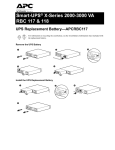
Smart-UPS® X-Series Replacement
Battery Cartridge Installation
APCRBC115, APCRBC116
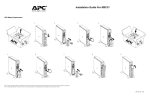
su0468a
su0467a
su0466a
su0465a
For information on recycling the used battery, see the Used Battery Information sheet included with
the replacement battery.
Reset the Battery Install Date
su0343b
If the Battery Install Date screen does not appear on the display
interface within two minutes of installing the new battery, use the arrow
keys to navigate to: Main Menu > Configuration > Battery Install
Date.
On the Battery Install Date screen, use the arrow keys to select the
month, date, and year. Press ENTER to make a selection and move to the
next option.
When finished, press ENTER to save the date.
Customer support and warranty information is available at the APC Web site, www.apc.com.
© 2009 American Power Conversion. All rights reserved. All APC trademarks are property of American
Power Conversion. Other trademarks are property of their respective owners.
990-3533A
10/2009