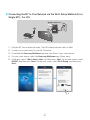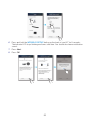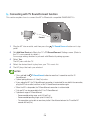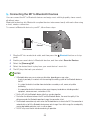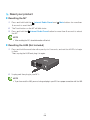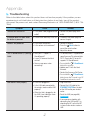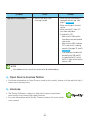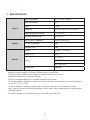
1
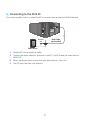
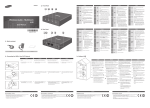
AA Connecting the Cover-Stand
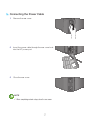
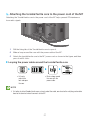
1 Before attaching the Cover-Stand, remove the
rear cover.
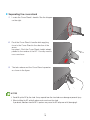
Insert the power cable through the Cover-Stand
hole into the M7 power port.
A
VOLUME
B
➡
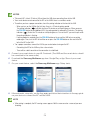
3 Turn the M7 so the side marked B in the diagram
is facing you. With the thumbs of both hands,
press side B of the Cover-Stand so that the tabs
on side B snap into the slots in the area marked B
in the diagram. You may need to press side B of
the Cover-Stand with some force.
VOLUME
2 The inside of the Cover-Stand has two sides.
One side (A) has four tabs - two large tabs and
two small tabs. The other side (B) has two large
tabs only. Insert the two large tabs on side A into
the two slots in the area marked A in the diagram.
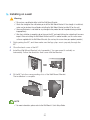
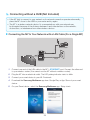
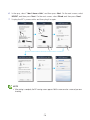
4 The M7 can now be installed vertically.
E
VOLUM
Caution
99 Do not place the M7 on an unstable surface.
444
18