1
Wireless Adapter
A wireless adapter can be installed as an option in the B-Series touchcomputer in
the I/O area under the cable cover.
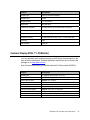
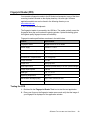
Typical specifications for the wireless adapter are:
•
USB dongle module
•
Compliant to USB 2.0 industry standards
•
IEEE 802.11b/g/n compliant
•
Support for Windows XP, Windows POSReady 2009 and Windows 7
•
RoHS compliant
•
Part number: E249774
Testing the Wireless Adapter
To test the wireless adapter:
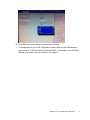
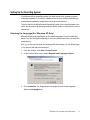
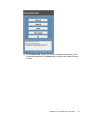
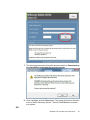
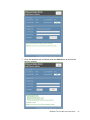
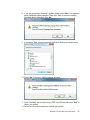
1. From the desktop, click Start > Control Panel > Network Connections.
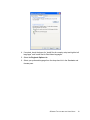
2. Double-click the Wireless Network Connections icon to display available
networks and verify that the wireless network is detected.
B-SERIES TOUCHCOMPUTER USER GUIDE
29