1
System Security
Intel®Server Board S2400GP TPS
4.3.3 Security Screen
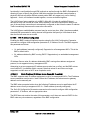
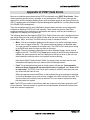
To enter the BIOS Setup, press the F2 function key during boot time when the OEM or Intel®
logo displays. The following message displays on the diagnostics screen and under the Quiet
Boot logo screen:
Press <F2> to enter setup
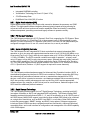
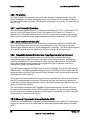
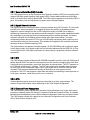
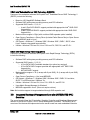
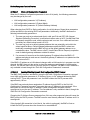
When the Setup is entered, the Main screen displays. The BIOS Setup utility provides the
Security screen to enable and set the user and administrative passwords and to lock out the
front panel buttons so they cannot be used. The Intel® Server Board S2400GP provides TPM
settings through the security screen.
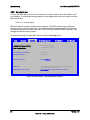
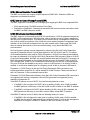
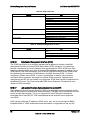
To access this screen from the Main screen, select the Security option.
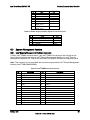
Main
Advanced
Security
Server Management
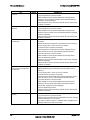
Administrator Password Status
<Installed/Not Installed>
User Password Status
<Installed/Not Installed>
Set Administrator Password
[1234aBcD]
Set User Password
[1234aBcD]
Front Panel Lockout
Enabled/Disabled
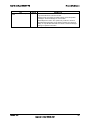
TPM State
TPM Administrative Control
Boot Options
Boot Manager
<Enabled & Activated/Enabled & Deactivated/Disabled &
Activated/Disabled & Deactivated>
No Operation/Turn On/Turn Off/Clear Ownership
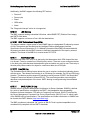
Figure 20. Setup Utility – TPM Configuration Screen
52
Revision 1.01
Intel order number G50295-002