1
QuickSpecs
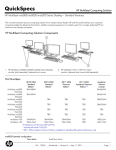
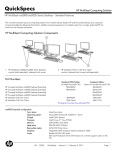
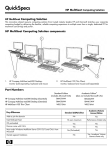
HP MultiSeat Computing Solution
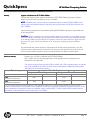
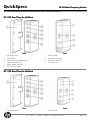
HP t100, t150 and t200 Zero Clients for MultiSeat – Standard Features
2.
3.
4.
Power LED
Audio connector (headphone out)
Audio connector (mic in)
2.
3.
4.
5.
6.
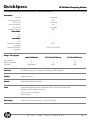
PS/2 connectors
USB 2.0 connectors
5.
DC power connector
VGA display connector
USB PC power connector to host PC (USB Type A/B cable
included)
Security clip slot
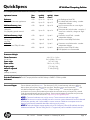
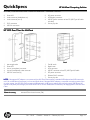
HP t200 Zero Client for MultiSeat
Front
1.
2.
3.
4.
5.
Back
Mounting bracket
Power LED
Line-in (microphone) connector
Line-out (headphone) audio connector
USB 2.0 connectors (4)
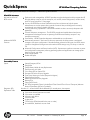
1. On/off switch
2. Reset button
3. VGA connector
4. USB PC connector to host PC (USB Type A/B cable
5. DC power connector
6. Ethernet RJ-45 connector
7. Security clip slot
NOTE: If the optional DC adapter is not connected, the t200 Zero Client supports a standard USB keyboard and USB mouse plus
one 100 mA USB device (low power), such as some flash drives. If the optional DC adapter is connected to a working power outlet
or to the monitor, the t200 Zero Client supports a USB keyboard, a USB mouse, and two 500 mA (high power) USB devices. HP
monitors with power-pass-through (such as the HP LE1851wt 18-inch Widescreen LCD Monitor) can supply power to the t200 Zero
Client.
Software Licensing
Microsoft Client Access License (CAL)
DA - 14163
Canada — Version 3 — February 24, 2012
Page 15