1
Intel® Light-Guided Diagnostics
8.5
Intel® Server Board S5500WB TPS
POST Code Diagnostic LEDs
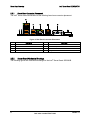
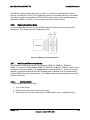
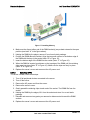
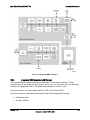
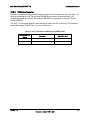
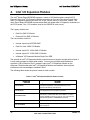
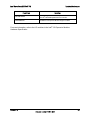
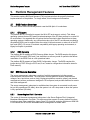
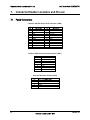
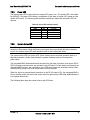
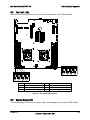
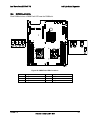
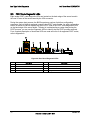
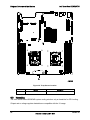
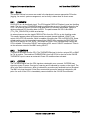
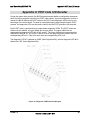
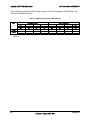
Eight amber POST code diagnostic LEDs are located on the back edge of the server board in
the rear I/O area of the server board by the VGA connector.
During the system boot process, the BIOS executes a number of platform configuration
processes, each of which is assigned a specific hex POST code number. As each configuration
routine is started, the BIOS displays the given POST code to the POST code diagnostic LEDs
on the back edge of the server board. To assist in troubleshooting a system hang during the
POST process, you can use the Diagnostic LEDs to identify the last POST process executed.
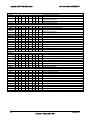
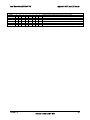
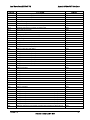
For a complete description of how these LEDs are read and a list of all supported POST codes,
refer to Appendix A.
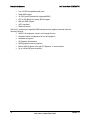
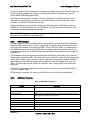
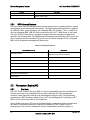
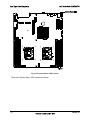
Figure 26. Rear Panel Diagnostic LEDs
A
ID LED
Description
E
Description
RJ-45 GbE LAN connector
B
Status LED
F
RJ-45 Serial port connector
C
RJ-45 GbE/Dual USB connector
G
DB15 Video
D
Dual USB connector
H
Diagnostic LEDs
74
Revision 1.9
Intel order number E53971-008