1
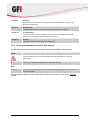
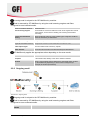
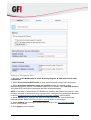
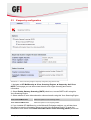
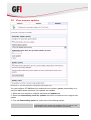
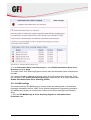
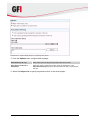
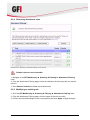
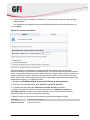
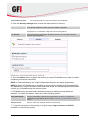
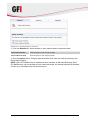
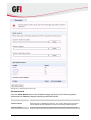
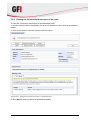
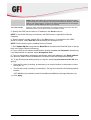
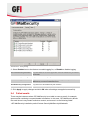
Screenshot 80 - Tracing settings 2. Select Enabled next to the feature to enable logging for, or Disable to disable logging. GFI ContentSecurity Attendant Log files related to the viewer application when GFI MailSecurity is loaded in local mode. GFI MailSecurity Scan Engine Log files for the scanning engines and filters. GFI MailSecurity Attendant Log files for all the components (except scanning functions) of GFI MailSecurity such as the Quarantine Store. GFI MailSecurity Configuration Log files for the GFI MailSecurity web interface. GFI MailSecurity Switchboard Log files related to the operation and usage of the Switchboard. 3. Click Apply to apply changes and click OK when all settings are applied successfully. 9.4 Failed emails There may be instances where GFI MailSecurity is not able to scan an email, for example, spam emails containing corrupted header information. In this case, GFI MailSecurity blocks the email since it may contain malicious content, and moves it to the following folder: <GFI MailSecurity installation path>\Content Security\MailSecurity\failedmails Miscellaneous GFI MailSecurity 2011 103