1
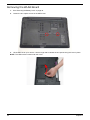
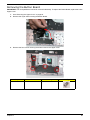
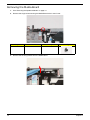
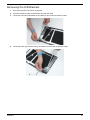
Removing the Power Board
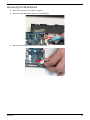
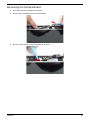
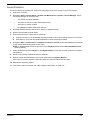
1.
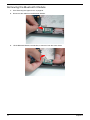
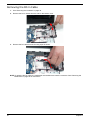
See “Removing the Upper Cover” on page 62.
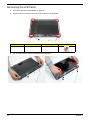
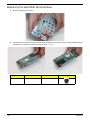
2.
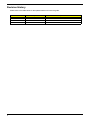
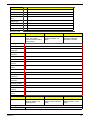
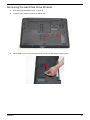
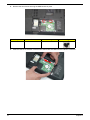
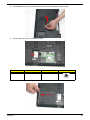
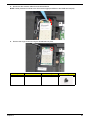
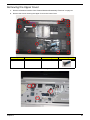
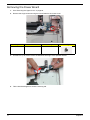
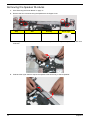
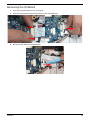
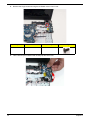
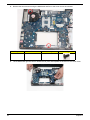
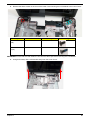
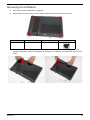
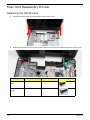
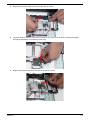
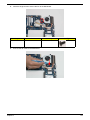
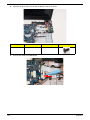
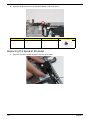
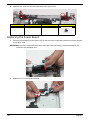
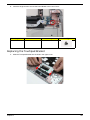
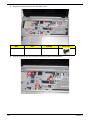
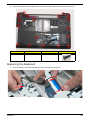
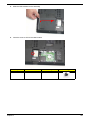
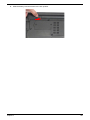
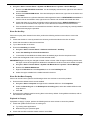
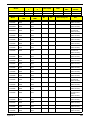
Remove the single screw securing the Power Board to the Lower Cover.
Step
Power Board
71
Size
M2.5*3
Quantity
Screw Type
1
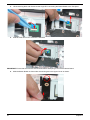
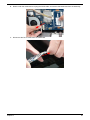
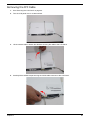
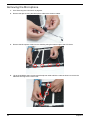
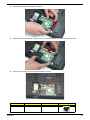
3.
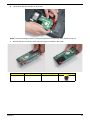
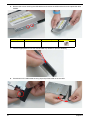
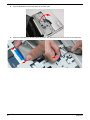
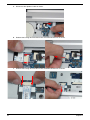
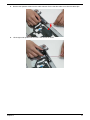
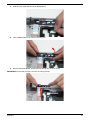
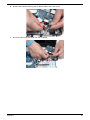
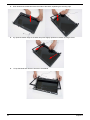
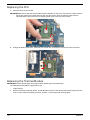
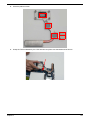
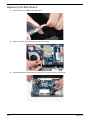
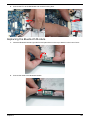
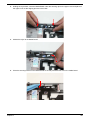
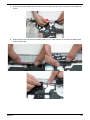
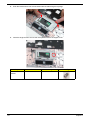
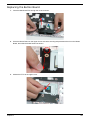
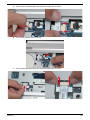
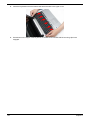
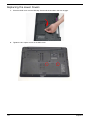
Pull the FFC up to remove it from the adhesive securing it to the Speaker Module.
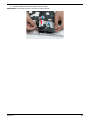
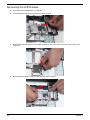
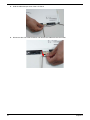
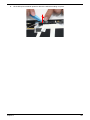
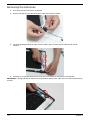
4.
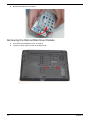
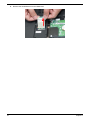
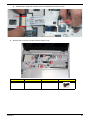
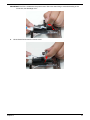
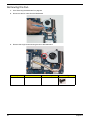
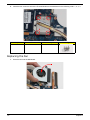
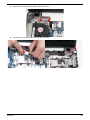
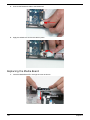
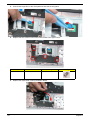
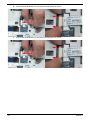
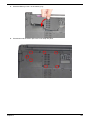
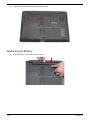
Tilt the board 90 degrees to clear the securing tab.
Chapter 3