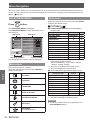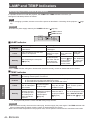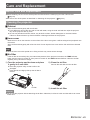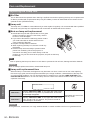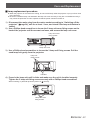
1
POSITION menu
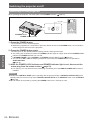
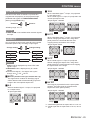
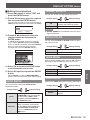
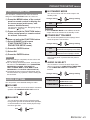
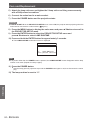
JJS4:3
When a standard signal *1 is input, the input signal
will be sized down 75% and projected. S4:3 mode
is effective when projecting 4:3 image onto a 16:9
screen.
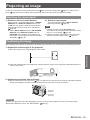
zz Input signal: XGA
Image:
Panel:
Screen:
The image will be projected without any size
adjustment.
zz Input signal: NTSC
Panel:
**** A standard signal has an aspect ratio of 4:3 or 5:4.
Note
zz If you project a 4:3 image onto a 16:9 screen,
the image may distort or some portions may
be cropped. Select an aspect ratio (4:3) which
preserves the intention of the image creator.
Settings
Remarks
zz The order of ASPECT types is defined not only by
the input method but also by the input signals.
zz If you project a copyrighted image enlarged or
distorted by using ASPECT function in commercial
use in a public place, such as a restaurant or hotel,
you might infringe on the copyright of the creator
which is protected by copyright law.
36 - ENGLISH
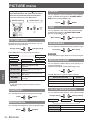
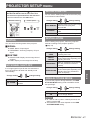
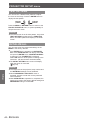
If the projected image is degraded, you can activate
FRAME LOCK for synchronisation. (Available with
signals of RGB only)
Change setting
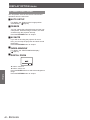
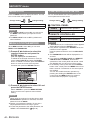
JJTHROUGH
Image:
FRAME LOCK
ON
Active
OFF
Deactive
Change setting