1
4.
5.
6.
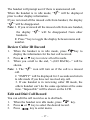
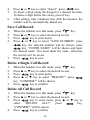
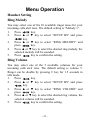
Press ▲ or ▼ key to select “Select”, press
key.
To insert a digit using the keypad at a desired location.
To delete a digit before the cursor, press C key.
After editing, take telephone line with the handset, the
number will be automatically dialed out.
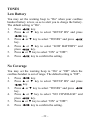
Save Call Record
1.
2.
3.
4.
5.
When the handset is in idle mode, press
key.
Press ▲ or ▼ key to select the desired record.
Press
key to enter menu.
Press ▲ or ▼ key to select “SAVE NUMBER”, press
key. the selected number will be shown, press
key ,“ENTER NAME” will be shown and input
the desired name. You must input the name, otherwise
the record can’t be saved.
Press
key to save.
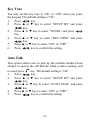
Delete a Single Call Record
1.
2.
3.
4.
5.
When the handset is in idle mode, press
key.
Press ▲ or ▼ key to select the desired record.
Press
key to enter menu.
Press ▲ or ▼ key to select “DELETE?”, press
key, “CONFIRM?” will be shown.
Press
key to confirm.
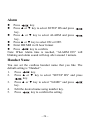
Delete All Call Record
1.
2.
3.
4.
When the handset is in idle mode, press
key.
Press ▲ or ▼ key to select the desired record.
Press
key to enter menu. press ▲ or ▼ key to
key,
select “DELETE ALL?”, press
“CONFIRM?” will be shown.
Press
key to confirm.
– 18 –