1
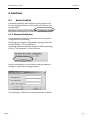
Connection
INSYS GPRS 5.0 serial
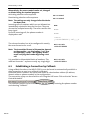
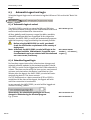
5.2.1 Manual connection setup
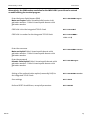
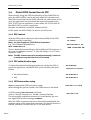
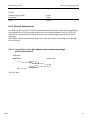
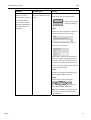
Establish a connection with an IP address <ip> or a domain
name <domain> with the port <port>.
The call was accepted; the transfer of data can begin.
ATD<ip>:<port>
ATD<domain>:<port>
Connect
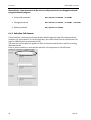
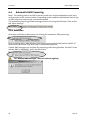
5.2.2 Automatic connection setup
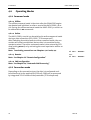
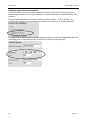
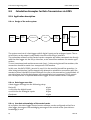
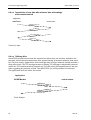
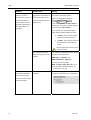
With the leased line function, a preset destination is
automatically dialed.
The connection setup and the connection itself are monitored.
If the connection can not be established (network failure,
no response from remote terminal) or if the connection is
terminated, the INSYS GPRS 5.0 serial will automatically
start reconnecting.
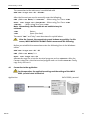
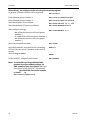
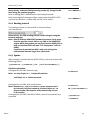
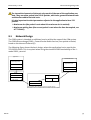
To limit the connection costs for inaccessible remote terminals (for each connection setup data packets are created and billed), the delay time will increase for every
new repeated attempt.
¾ 20 seconds after restart or if the last connection
setup was successful
¾ 80 seconds after the first false attempt
¾ 320 seconds after the second false attempt
¾ 1280 seconds after the third false attempt
¾ 1 hour for each additional false attempt
5.2.3 Connection acceptance
Accepting incoming IP connections is currently not supported
32
Mai 06